10. Operating Instructions – Make Adjustments
10-6 HomeChoice APD Systems Patient At-Home Guide October 2, 2009 07-19-61-244
10.2.4 Set Clock
Follow the steps below to adjust the hour and minutes of the clock.
h
NOTE:
The time can not be changed during therapy.
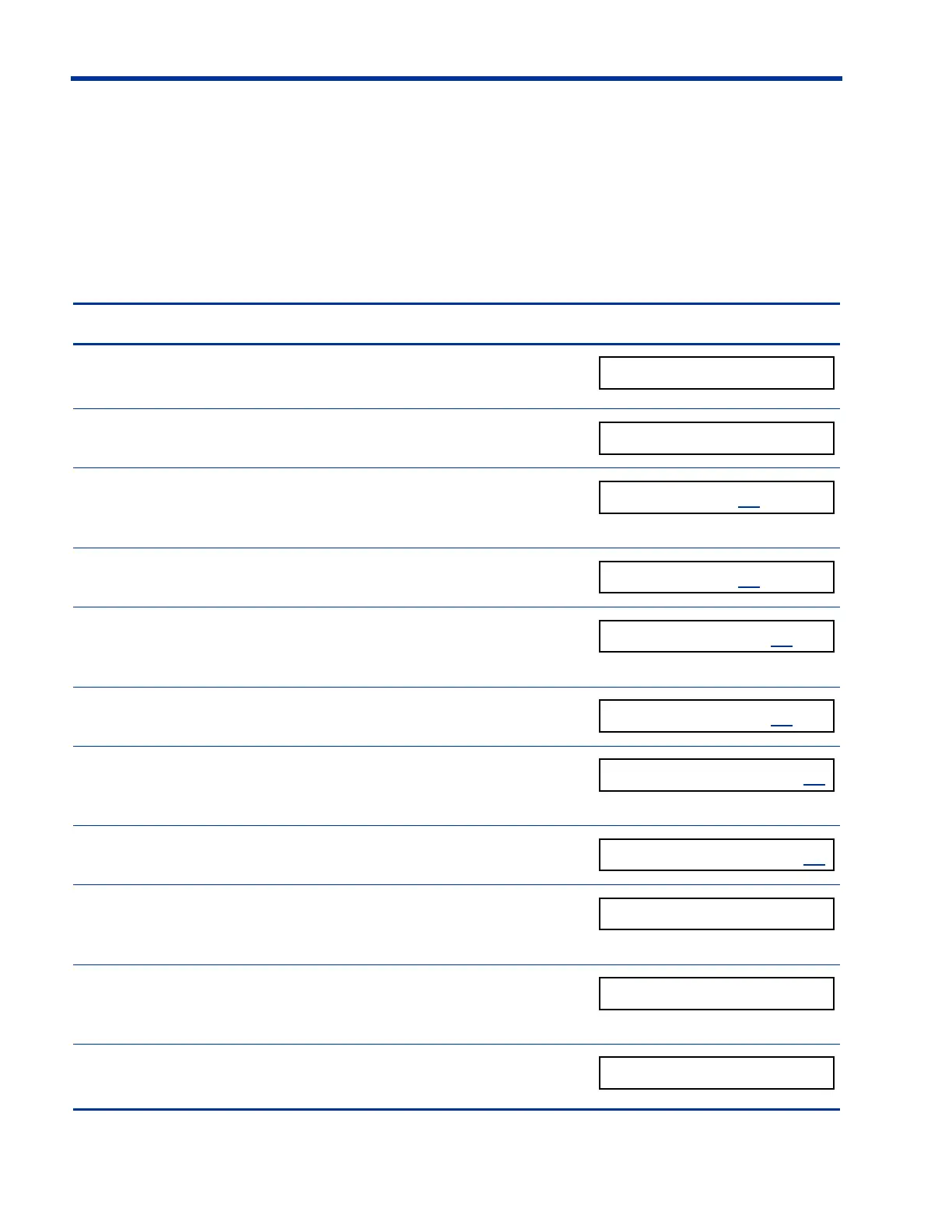
Steps to set the Clock Display screen
1. Press
ENTER to access the MAKE ADJUSTMENTS
menu.
2. Press
V until SET CLOCK appears.
3. Press
ENTER.
The hour digits blink.
(The hour blinks)
4. Press U or V to change the hour.
5. Press
ENTER to save the hour.
The minute digits then blink.
(The minutes blink)
6. Press U or V to change the minutes.
7. Press
ENTER to save the minutes.
AM/PM then blinks.
(AM / PM blinks)
8. Press U or V to change AM/PM.
9. Press
ENTER to save the new time.
The blinking stops.
(Blinking stops)
10. Press V to display the next option.
– OR –
11. If you do not want to make any other adjustments,
press
STOP to exit Make Adjustments.













 To Next Page