07-19-61-244 October 2, 2009 HomeChoice APD Systems Patient At-Home Guide 10-11
10. Operating Instructions – Make Adjustments
* The settings for these percentages are calculated for you in Table 19-8 on
page 19-17 in 19.16, Determining Initial Drain Alarm Volume Settings.
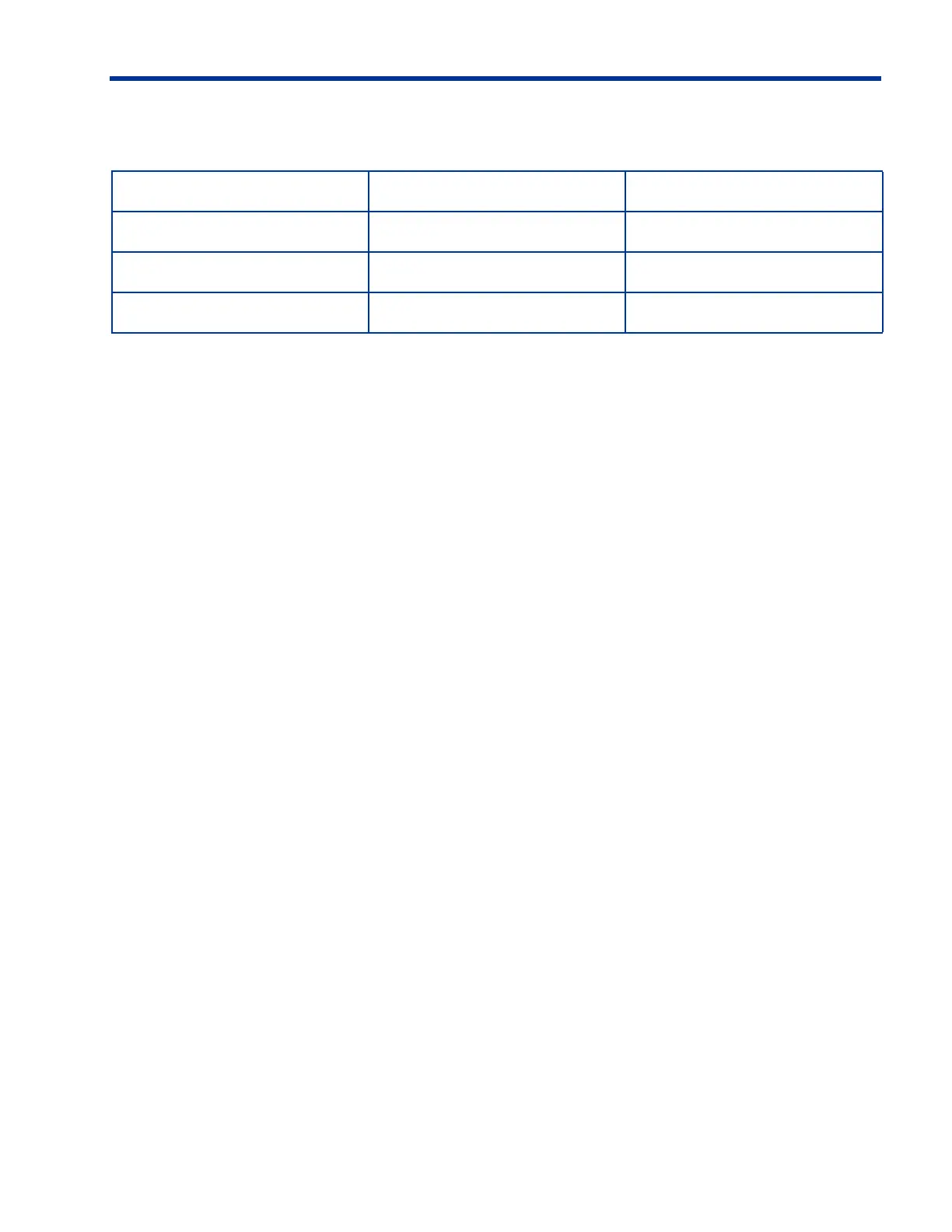
Table 10-1. Recommended Starting Point for I-Drain Alarm Setting
Last Fill Solution Last Fill Dwell Time % of Last Fill Volume
Dianeal 8 to 16 hours 70%*
Dianeal 2 to 4 hours 85%*
Extraneal 8 to 16 hours 95%*
h
NOTE:
If the I-DRAIN ALARM is set to OFF, the HomeChoice APD System
moves on to Fill when a No Flow condition occurs. Baxter
recommends that this setting not be used since there is no Minimum
Drain Volume requirement. A LOW DRAIN VOLUME alarm is posted if
the flow rate is below 50 mL/min for 10 minutes. Subsequent alarms
are posted every 5 minutes. The I-DRAIN: OFF option is not available
in the Low Fill Mode.
h
NOTE:
For “Dry Day” patients, set the I-Drain Alarm to 0 mL, or a very small
volume. If your patient line is greater than 12 feet (3.6 meters) in
length, set the I-Drain Alarm to at least 30 mL. Check with your
dialysis center for the correct number to set. Setting the I-Drain Alarm
to NO in the Standard Fill Mode will activate a No Flow or Slow Flow
alarm.













 To Next Page