07-19-61-244 October 2, 2009 HomeChoice APD Systems Patient At-Home Guide 18-63
18. Troubleshooting
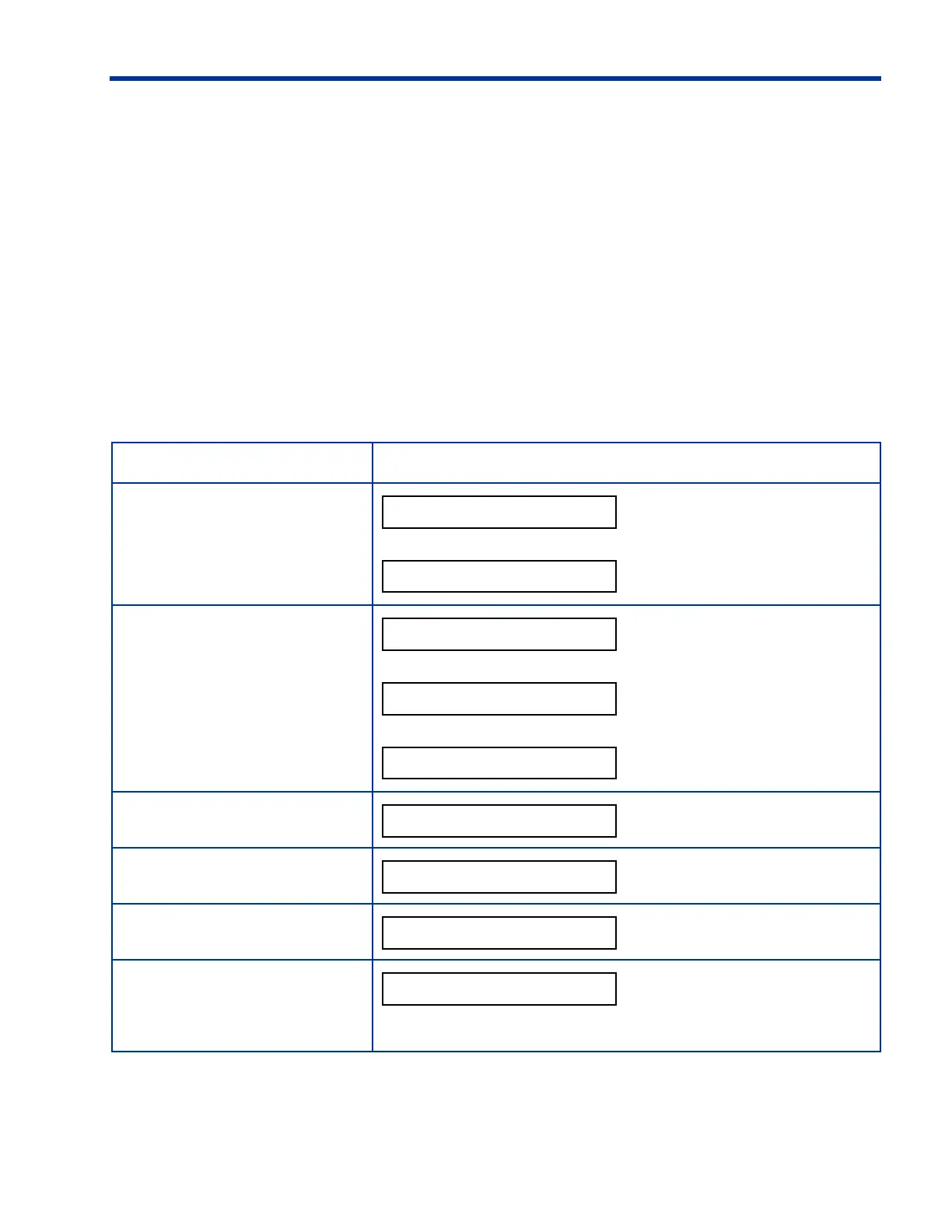
Table 18-3 lists the options you can view during a loss of power.
1. Press any button to activate the display.
2. Press
STOP to silence the alarm.
3. Press
V to view each option.
h
NOTE:
If no button is pressed for two (2) minutes, the display turns off. Press
any button to activate the display again.
Table 18-3. Options Available During a Power Failure
Option Description
Power Failure Alarm
and
Current Therapy Phase
alternates with
Current Status
– or –
– or –
Initial Drain Volume
Total UF
Average Dwell Time
End The Therapy
To end the therapy, press
ENTER.





 To Next Page