07-19-61-244 October 2, 2009 HomeChoice APD Systems Patient At-Home Guide 8-15
8. Operating Instructions – PRO Card and Modem
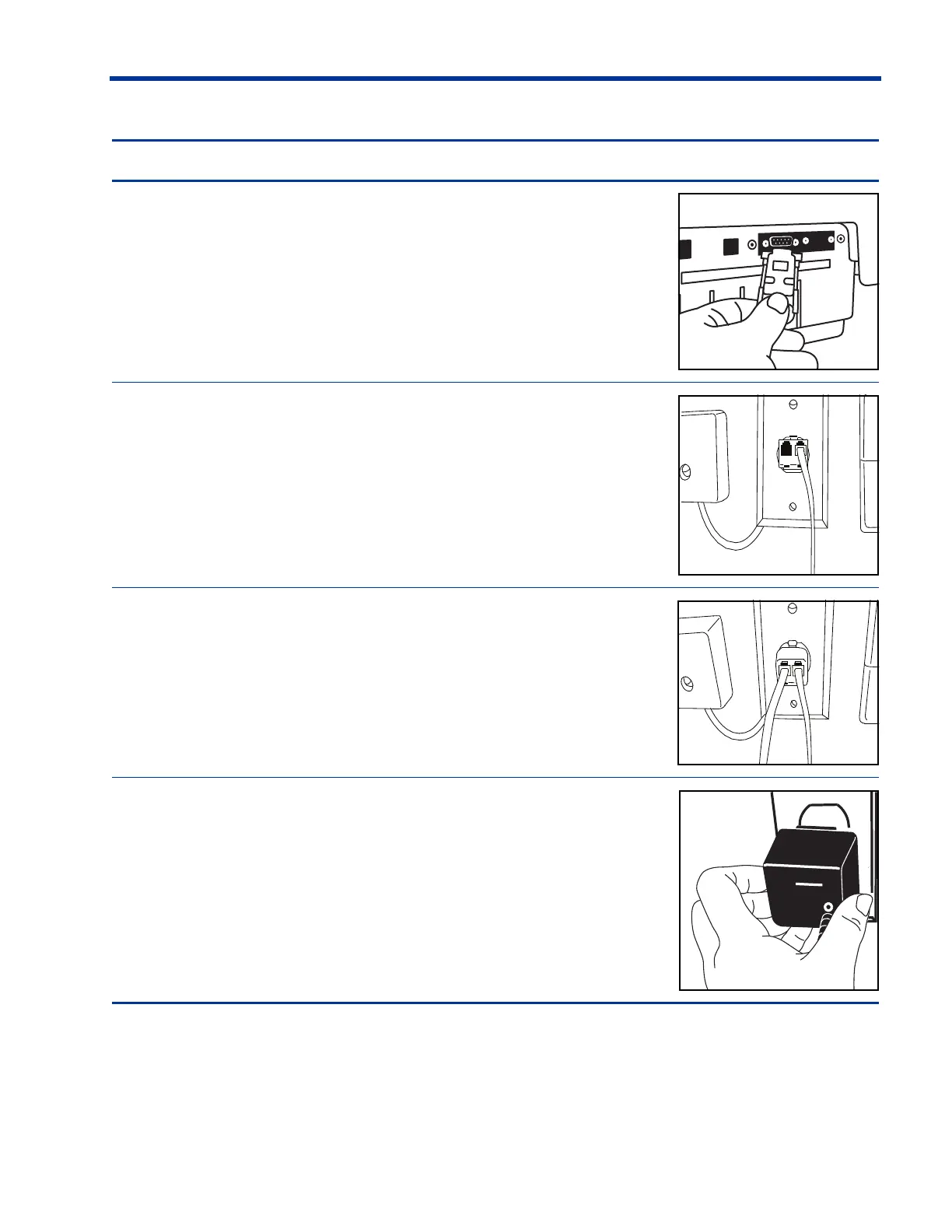
2. Plug the data cable into the J2 Port, as shown.
3. Unplug the telephone line from the wall jack.
4. Plug the double connector into the wall jack.
5. Plug the telephone line and modem line into the double
connector.
6. Plug the modem power adapter into the wall outlet.
Steps to install your modem (Continued)













 To Next Page