7
SETUP GUIDE WITH HASP
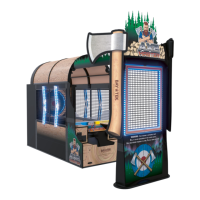
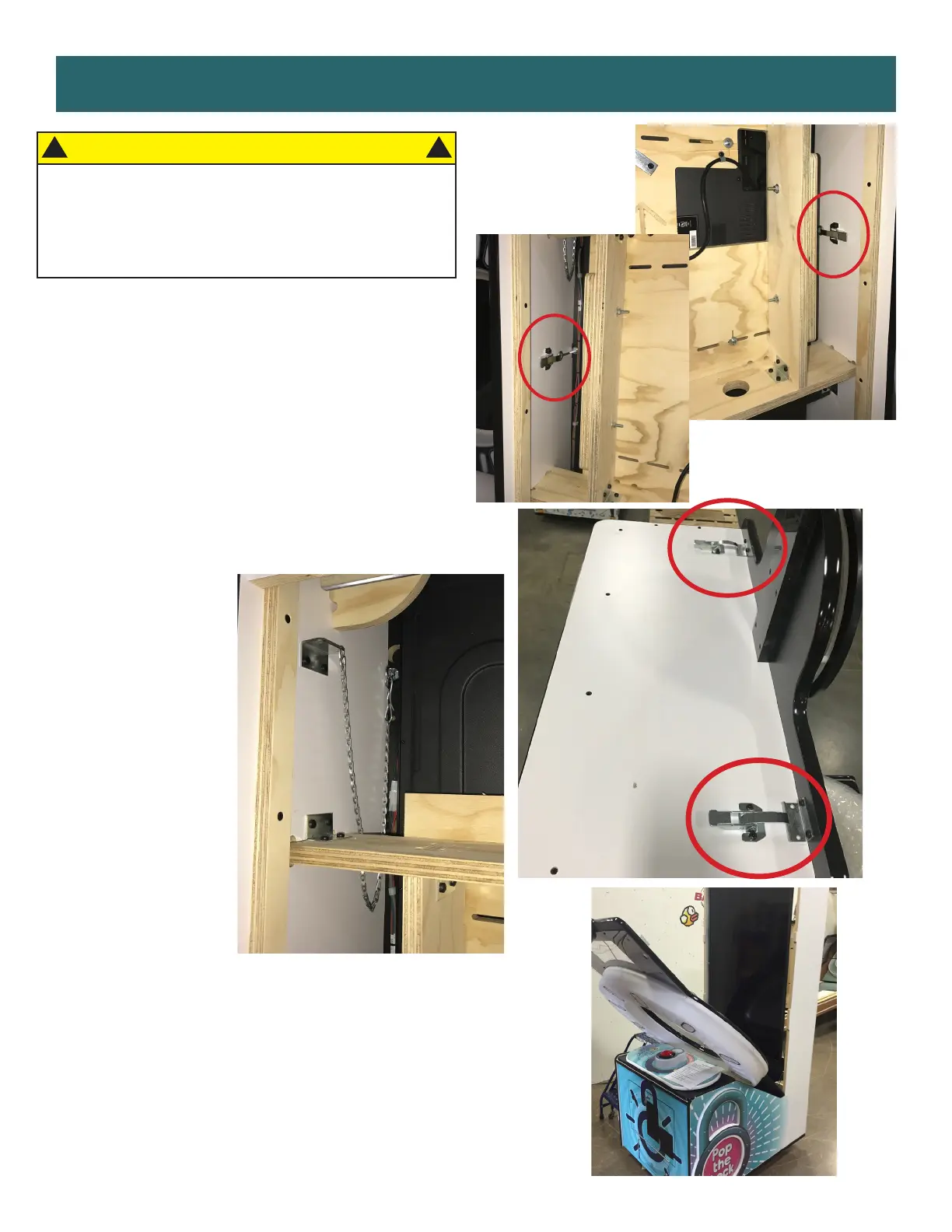
Remove back door of game and set
aside. Release the four latches - two
found inside the back of the cabinet on
both sides and two on the outside top.
Unhook the S hook and chain from the
bracket on the inside, left rear of the
cabinet.
Lower the monitor face/vacuum form
carefully.
CAUTION
USE CAUTION WHEN RELEASING THE
LATCHES! THE MONITOR FACE IS A FALL
HAZARD AND COULD CAUSE DAMAGE! GET
ASSISTANCE FROM SOMEONE IF NEEDED.
!
!


 To Next Page
 Loading...