Installation and Assembly
User Manual 4-5
DMR V4C 3.3 (User Manual) V-4 06-May-2022
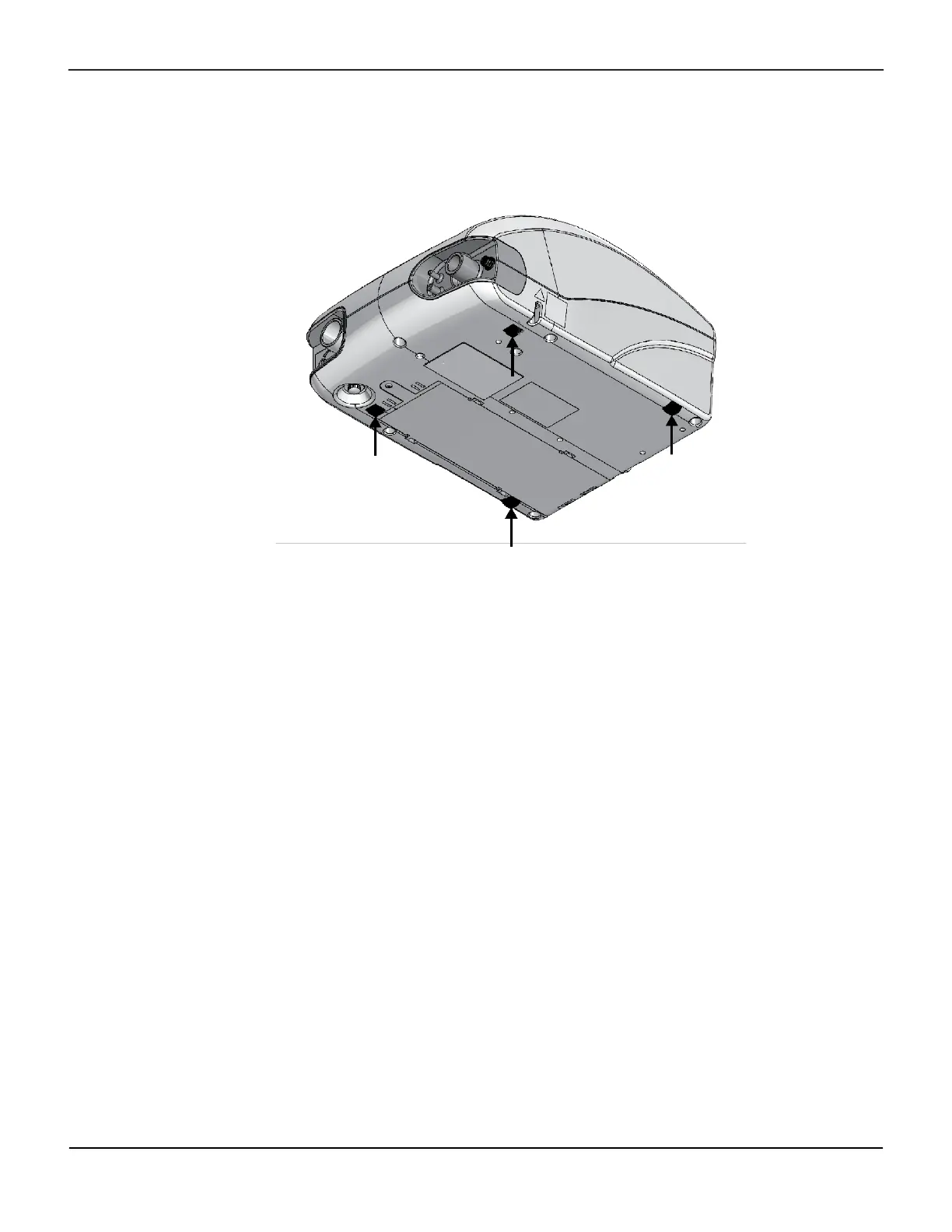
2. Refer to Figure 4-3. Confirm that the four adhesive feet on the compatible ventilator are not missing
or damaged.
Figure4-3.Compatible ventilator feet location
3. If any adhesive feet on the compatible ventilator are missing or damaged, install new adhesive feet:
a. If necessary, remove damaged adhesive feet.
b. Clean the foot recesses with alcohol wipes and allow to dry.
c. Remove adhesive backing and install the feet in the compatible ventilator foot recesses. Press
firmly.
Caution:
Using the Oxygen Mixer with a ventilator that is missing its rubber feet could lead to damage
or malfunction of the device.
4. Refer to Figure 4-4 and Figure 4-5. Bend the side arms out and lower the compatible ventilator onto
the V4C-O2E Oxygen Mixer. Make sure that the posts on the V4C-O2E Oxygen Mixer are aligned with
the compatible ventilator and that the ventilator's feet are positioned inside of the corresponding
recesses on the Oxygen Mixer's top surface.



 To Next Page