The GPS module
bbe BenthoTorch Manual Page 100
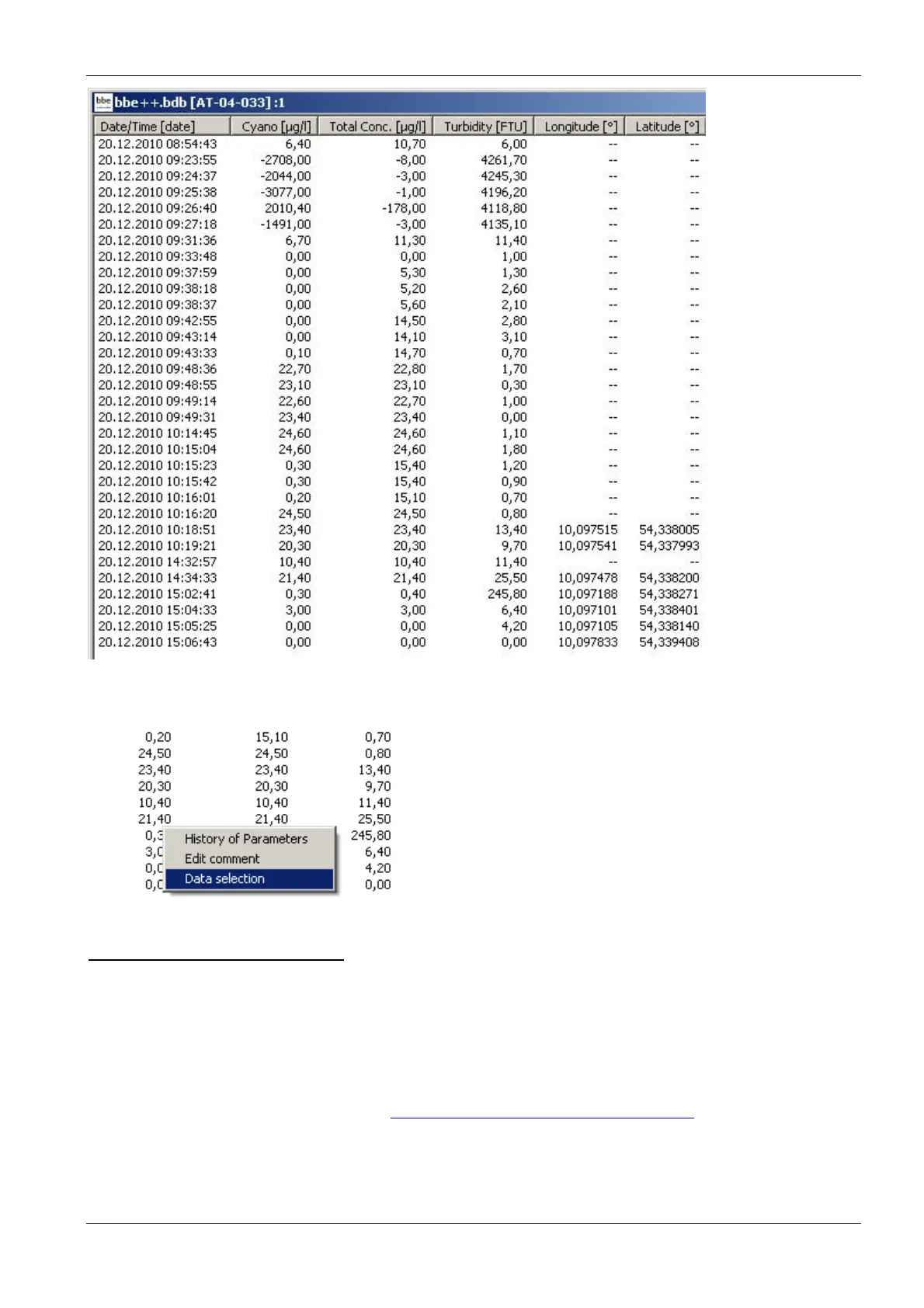
If the longitude / latitude columns are not available, use the right mouse button “-> Data selection” to add these
columns.
D
ATA EXPORT TO
G
OOGLE EARTH
To display the data with Google Earth, execute the following steps:
• Activate the GPS measurement within the Algae/BenthoTorch
• Conduct the measurements
• Transfer the data to bbe++ on your PC
• Select the data you want to display
• Go to File -> Export (KMZ) and create a KMZ file
• Download and install Google Earth (http://www.google.de/intl/en/earth/index.html)
• Go to File -> Open within Google Earth and open your *.KMZ to display it
Example of data display using Google Earth:



 To Next Page