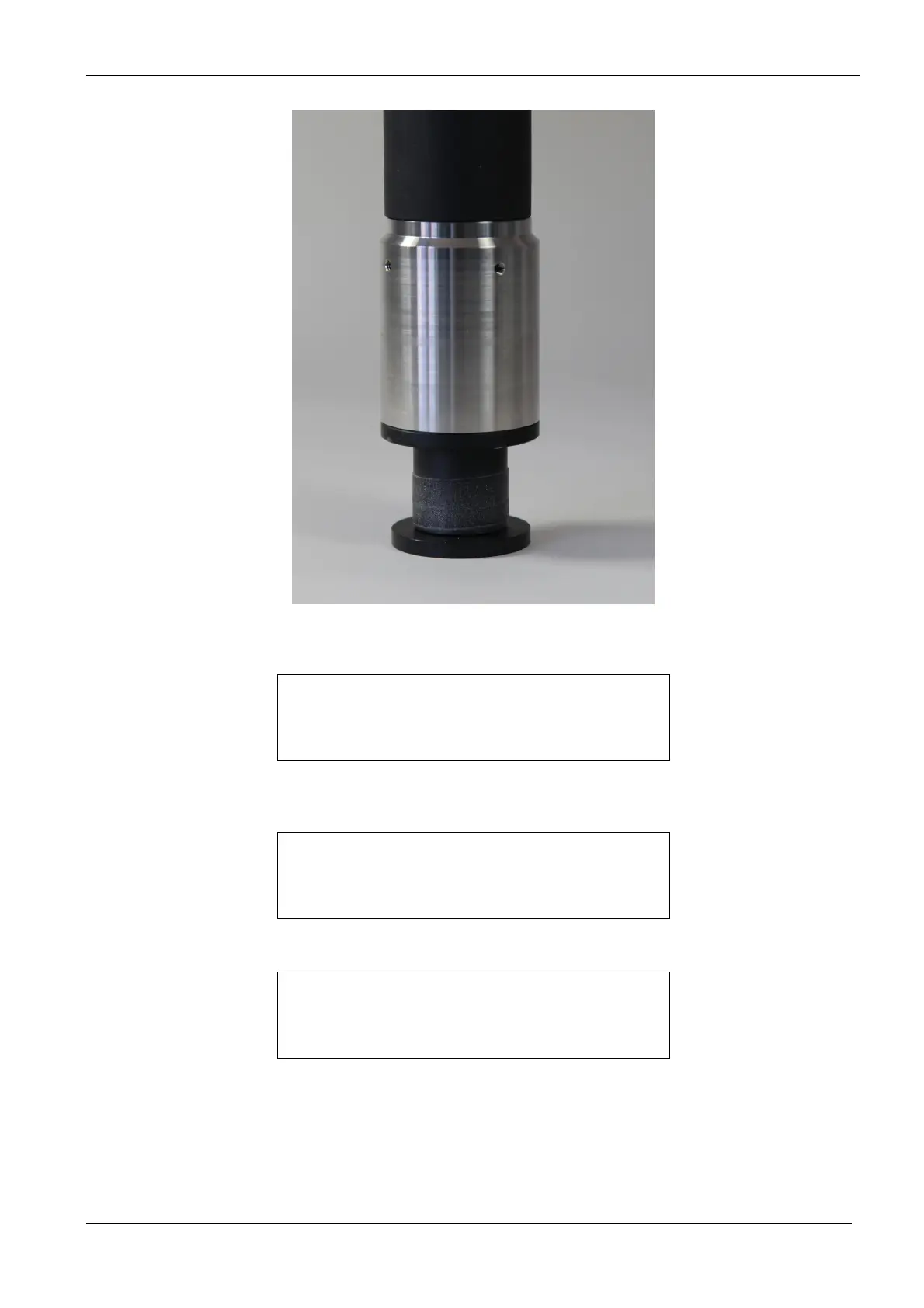
Operating the bbe BenthoTorch
bbe BenthoTorch Manual Page 31
3. Go to calibration -> Fingerprint -> diatoms
4. Touch the OK key to choose diatoms.
SET FP
< diatoms >
OK <- -> ESC
5. Select low concentration
SET FP DIAS
< low conc. >
OK <- -> ESC
6. Enter the concentration
enter concentr.
02.0 µg/cm´2
OK + - ESC
7. Touch the OK key to start the measurement.
8. After the measurement the results are shown, please confirm it.
9. After confirming the concentration is marked.
10. Repeat with the high concentration3



 To Next Page