The Menus
bbe BenthoTorch Manual Page 45
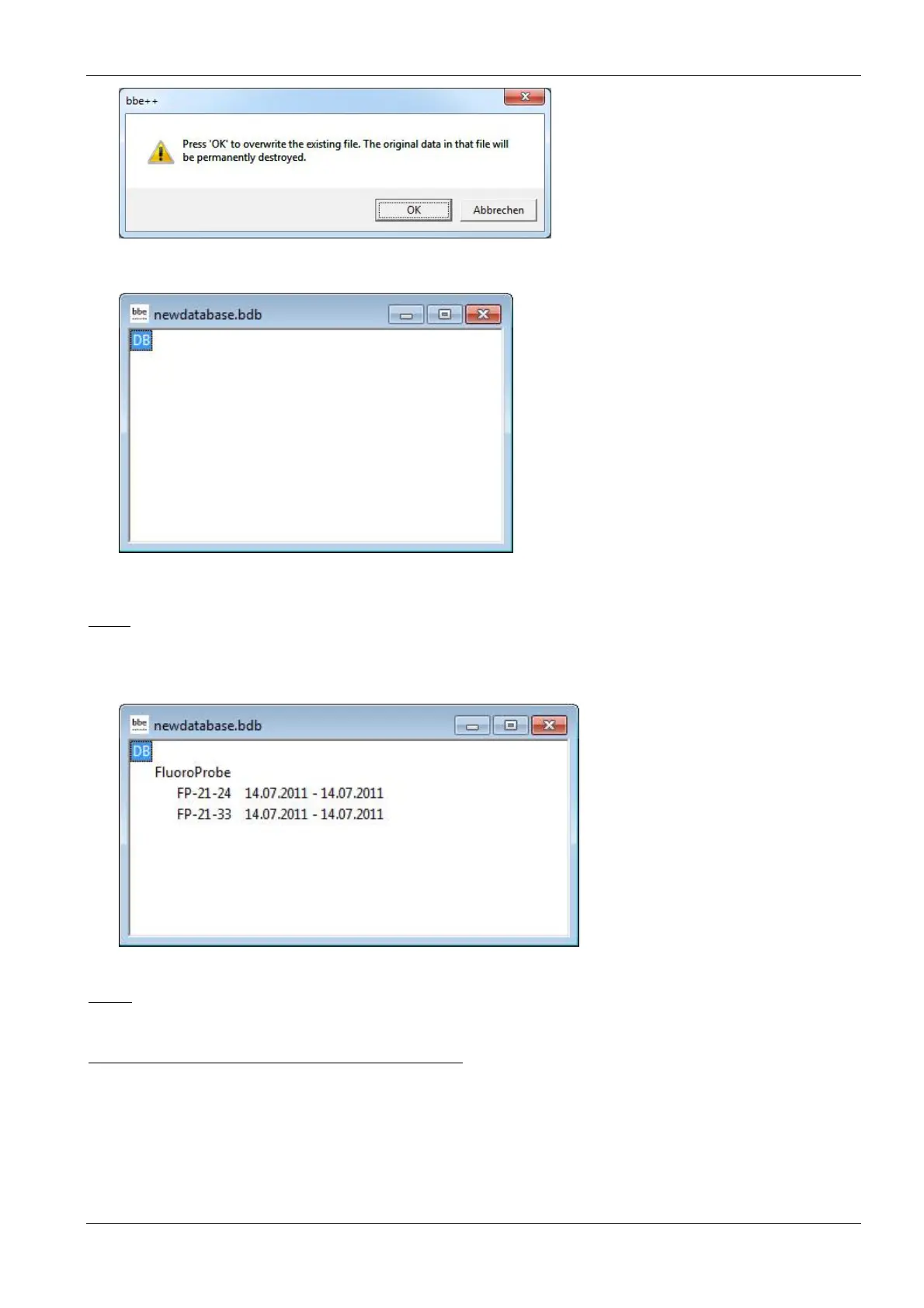
The new and empty database is displayed.
New data can be entered in the database by importing or by starting a measurement.
Open
Opens an existing database. If there are already data in the database, the “Summary View” window appears.
The type and serial number of the instrument can be chosen as well as the time range. The following example
shows a database containing data from different FluoroProbes.
Close
Closes the active database.
Import (FluoroProbe / AlgaeTorch / BenthoTorch)
This function is used to import *.FLP files into the database. These files can be results transferred from the
FluoroProbe to a USB stick or files generated by the first version of the FluoroProbe software.
To import, please choose the file from the file system:



 To Next Page