The Menus
bbe BenthoTorch Manual Page 49
E
DIT
M
ENU
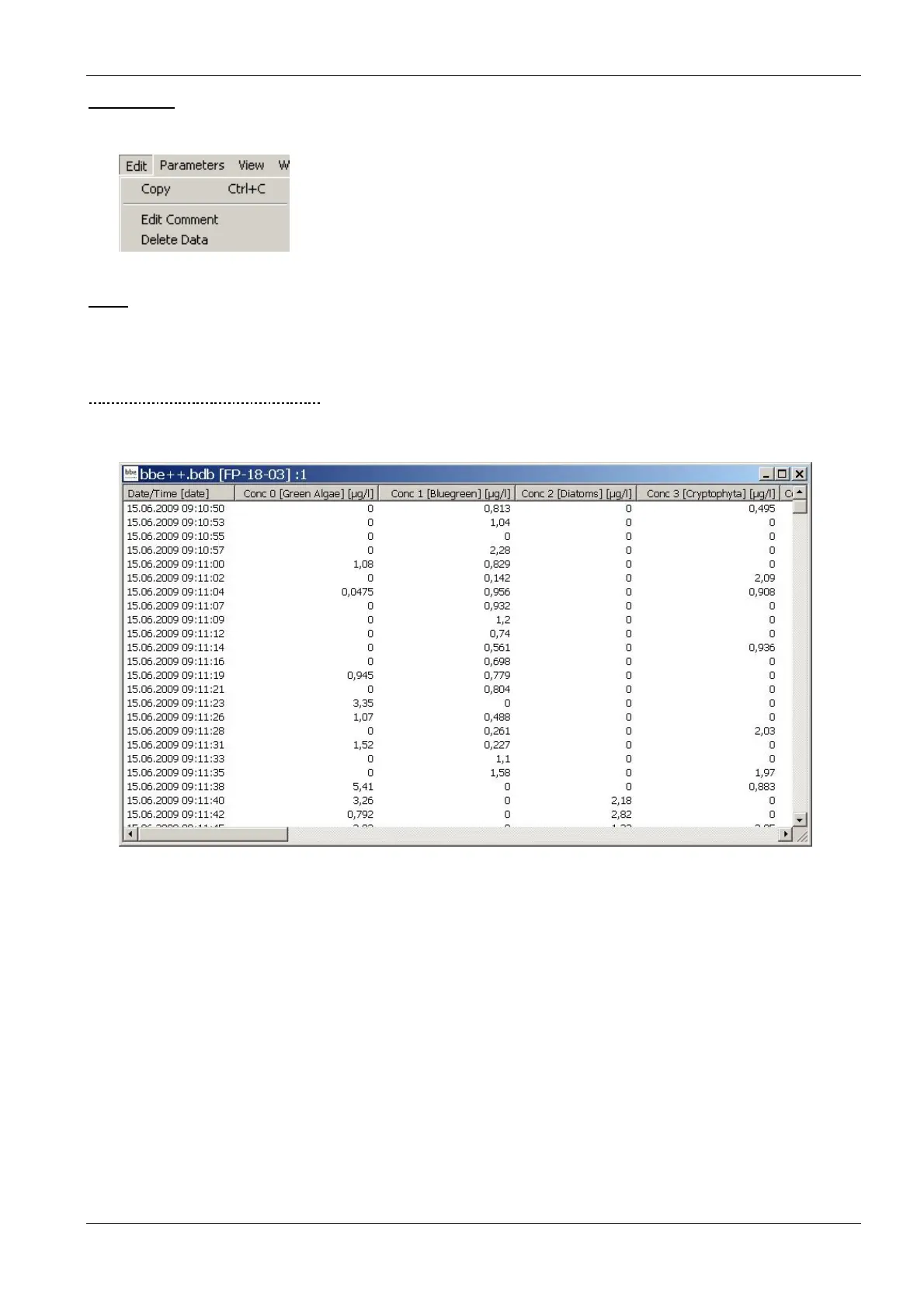
This menu contains commands to copy data/graphics from bbe++ and add them to the clipboard.
Copy
The content of the active window will be copied to the clipboard. Depending on the type of the active window, this
is either a graph or a table.
Tables can be pasted to EXCEL directly.
H
OW TO COPY DATA TO
EXCEL:
Use “W
INDOW
S
ELECT
D
ATA
” to select the data you want to copy to EXCEL. Use the list window type that
contains all the columns to be exported. Please note: only the columns from the active view are exported.
• click on “E
DIT
C
OPY
”
• open Excel with an empty datasheet
• click on “E
DIT
P
ASTE
” in Excel



 To Next Page