The Menus
bbe BenthoTorch Manual Page 48
• the serial number of the instrument
for which the data in the data windows are currently shown [FP-18-03]
• the number of the window if there is more than one open window :3
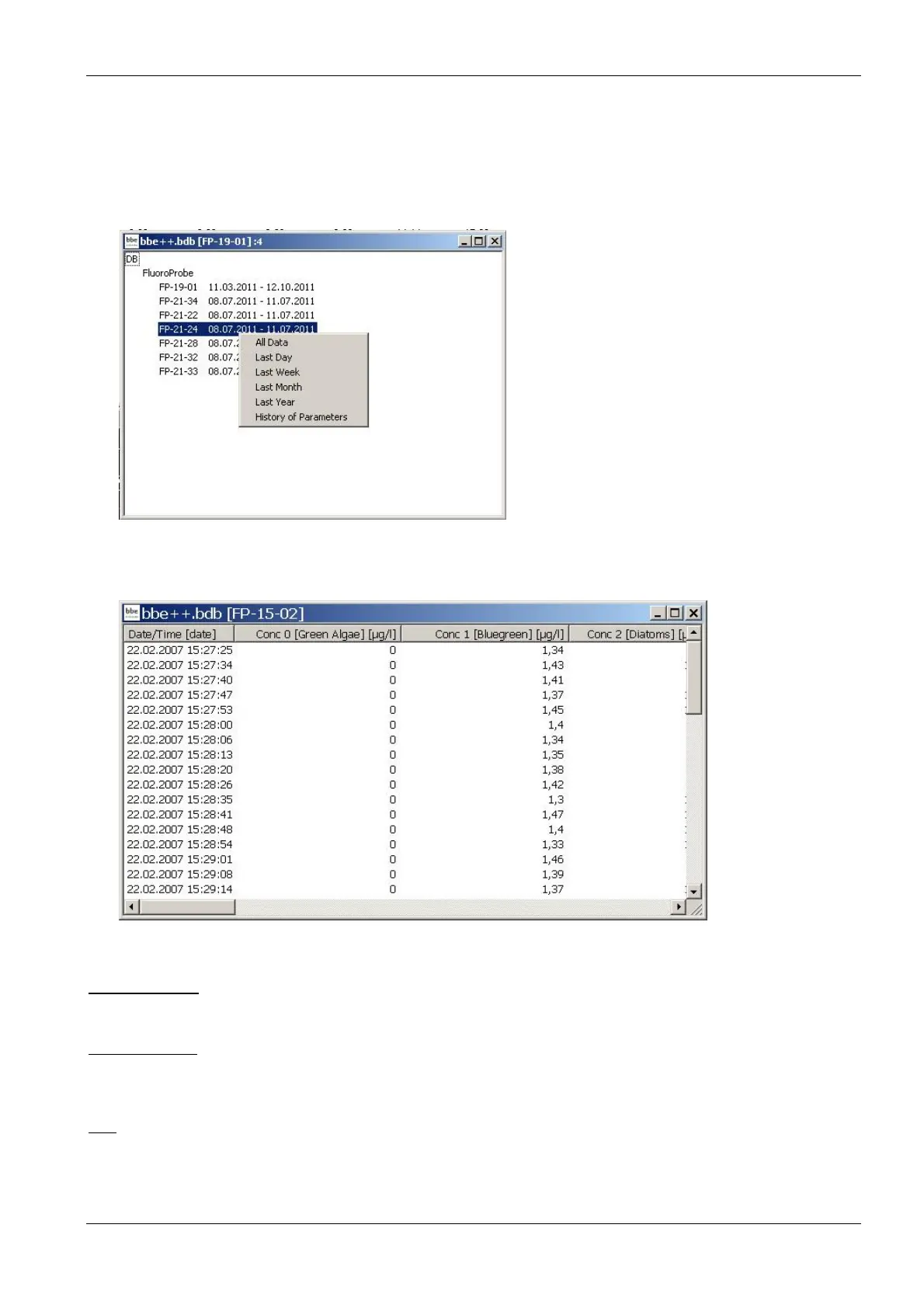
The summary view can be used to directly access the data or parameters of one of the listed instruments. To do
so, use the right mouse click on the serial number:
A selection of different periods and parameters are shown. After selecting one of the given periods, it is shown
using the default view.
For further information about the parameters window, please see the chapter Parameters.
1. ... 2. ... 3. ...
Names of the last database files opened for quick reload.
Data Directory
Opens the explorer with the current data directory to copy or rename the data base. This is the same function as
in the start menu up to Windows 7.
Exit
Terminates the program.



 To Next Page