The Menus
bbe BenthoTorch Manual Page 47
Export (ASCII)
This item exports the data as an ASCII file to load them into other programs. To select columns to be exported
and the separator that is used, please see the description of the View Editor. The view editor allows the user to
define different export formats for each instrument. All export formats of the current instrument are shown in the
menu:
The default export view is “Export all”.
After clicking on “Export all”, the name and folder of the exported file can be selected.
Hint: To transfer data to Excel, use the copy and paste feature in the “Edit” menu.
Export (Database)
This item is used to export parts of a database to a new (and smaller) one. The exported database can be read
with bbe++ again. This might be useful when parts of the database are transferred via email.
The currently selected data (“W
INDOW
S
ELECT
D
ATA
”) are exported.
Export (KMZ) – AlgaeTorch / BenthoTorch / FluoroProbe
This item is used to export geo data from instruments with GPS receiver to be displayed in Google Earth.
Export (ToxTest protocol) – AlgaeLabAnalyser only
This item is used to export the results of toxicity tests conducted with the AlgaeLabAnalyser to Excel.
Summary View
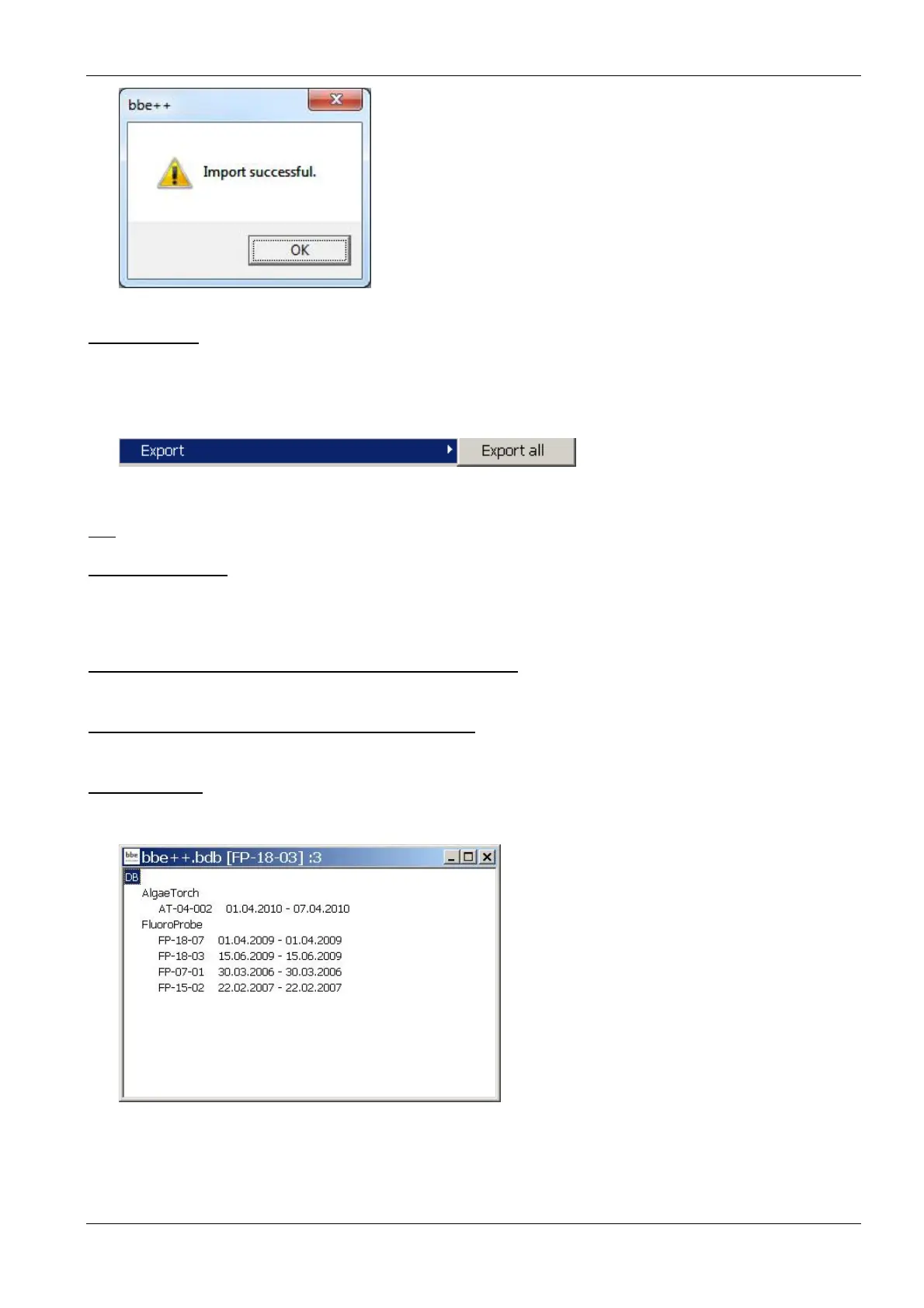
Opens a new window that gives an overview of all the data and instruments in the current database:
The database bbe++.bdb above contains data of two types of instruments: AlgaeTorch and FluoroProbe.
The serial numbers and the point in time of the first measurement and the last measurement stored in the
database are shown below the heading with the name of the instrument.
The header of the window (bbe++.bdb [FP-18-03] :3 has the following meaning:
• the name of the database bbe++.bdb



 To Next Page