The Menus
bbe BenthoTorch Manual Page 64
Tile Horizontally/Vertically
Initiates the organization of the screen into mutually non-overlapping frames.
Select Data
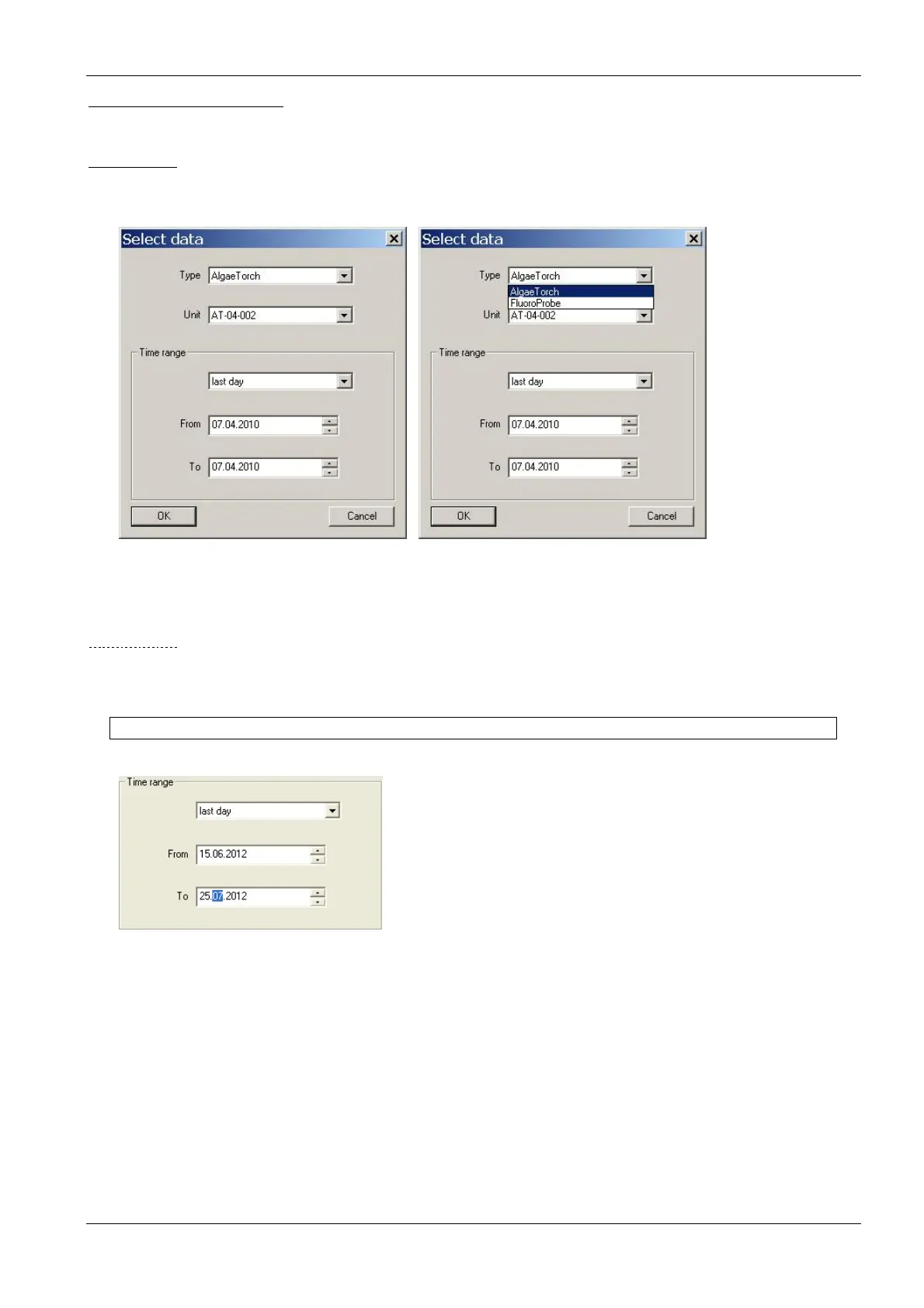
The “Select Data” window can be used to select data of a specific instrument and a specific time range from the
current database.
Type: shows the types of instruments available in this database.
Unit: shows the serial numbers of the type of instruments chosen above available in this
database.
T
IME RANGE
Selects the time range of data to be selected. It is possible to select a fixed time range such as “last month” or to
do a manual selection by entering a range F
ROM
“date” T
O
“date”.
Hint: Further selections can also easily be made in a graphic window.



 To Next Page