The Menus
bbe BenthoTorch Manual Page 65
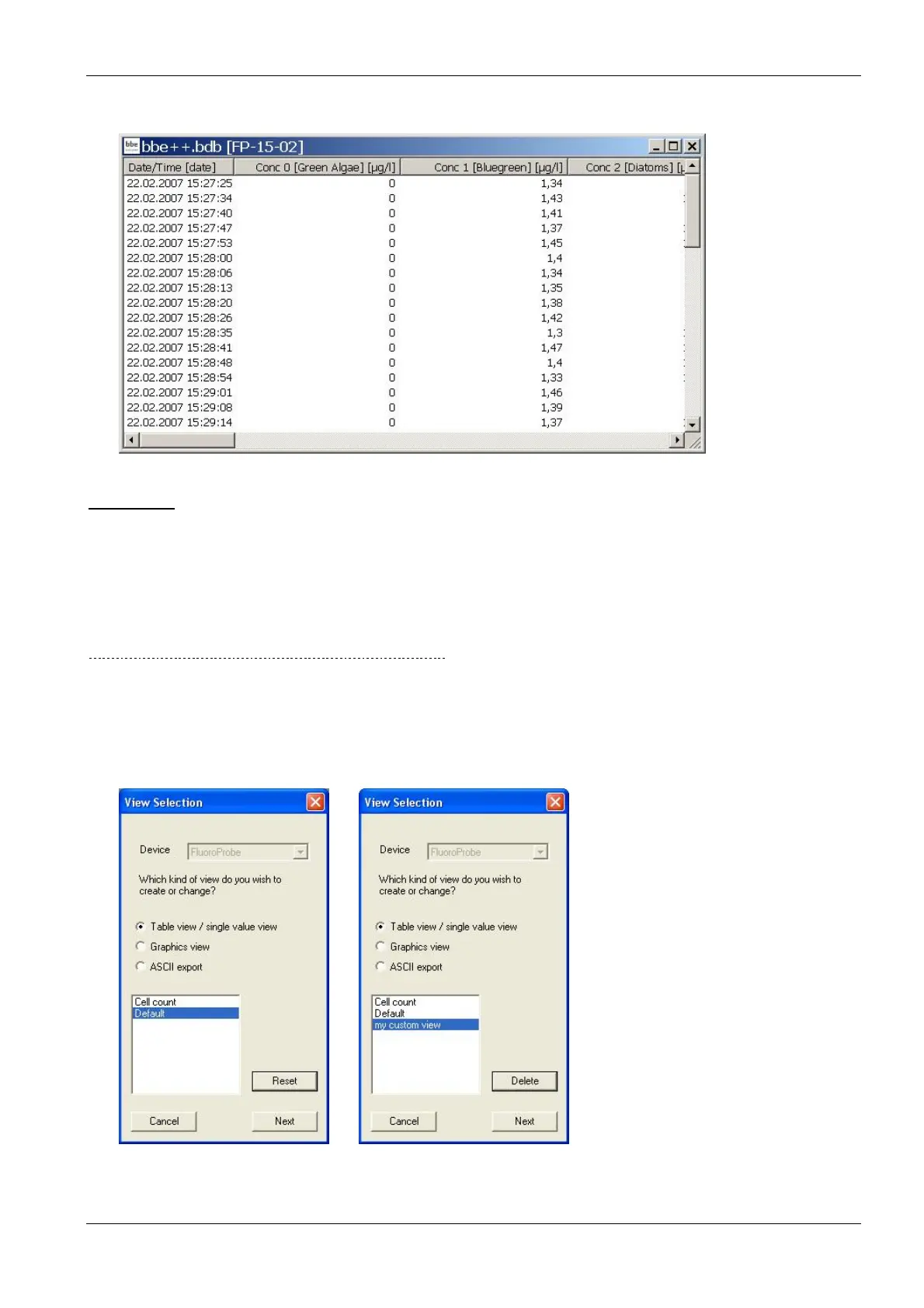
After selecting the time range, the data is shown in the default view.
View Editor
The View Editor is used to generate your own table or graphic window type as well as a template for the export
to text files. The View Editor is an assistant that leads through the whole process.
When starting the View Editor, the current view is selected automatically to be edited or used as a template for a
new view. Other views may be selected.
For each instrument there are pre-defined views. These views can be edited but not deleted. Changes in pre-
defined views can be reset to their original status. User-defined views can be edited and deleted.
G
ENERATING AND EDITING A TABLE VIEW WINDOW
To explain the function of the View Editor, in the following steps a table view showing date/time, total chlorophyll
concentration, Bluegreen concentration and depth is generated as an example.
View Selection
1. Open the view editor:
2. Choose the type of instrument the view is to be used for (in the example “FluoroProbe”).



 To Next Page