The Menus
bbe BenthoTorch Manual Page 75
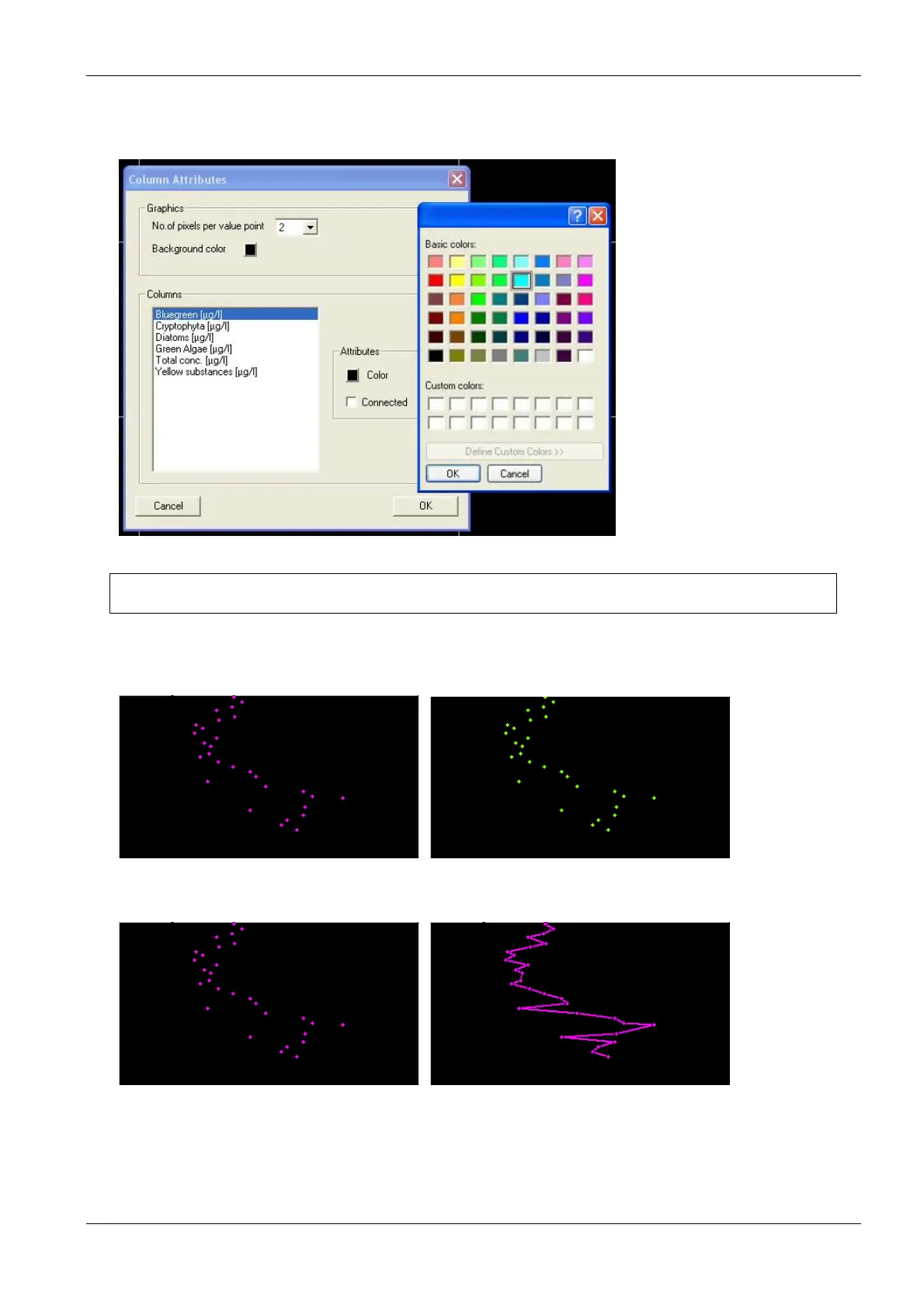
Select a dataset.
Color: select a dataset and click on the colored button to change the color of the dots.
Connected: check the box to connect the dots in the graph.
Hint: The data points are not connected if the time of measurement differs more than the given
value in “T
OOLS
S
ETTINGS
D
ISPLAY
”.
Different dot colors:
Unconnected dots / connected dots:
17. Click “Next”
Save view
18. Enter a new name for the view. It is not possible to edit pre-defined views. Please store a view based on
a pre-defined view with a new name.



 To Next Page