The Menus
bbe BenthoTorch Manual Page 76
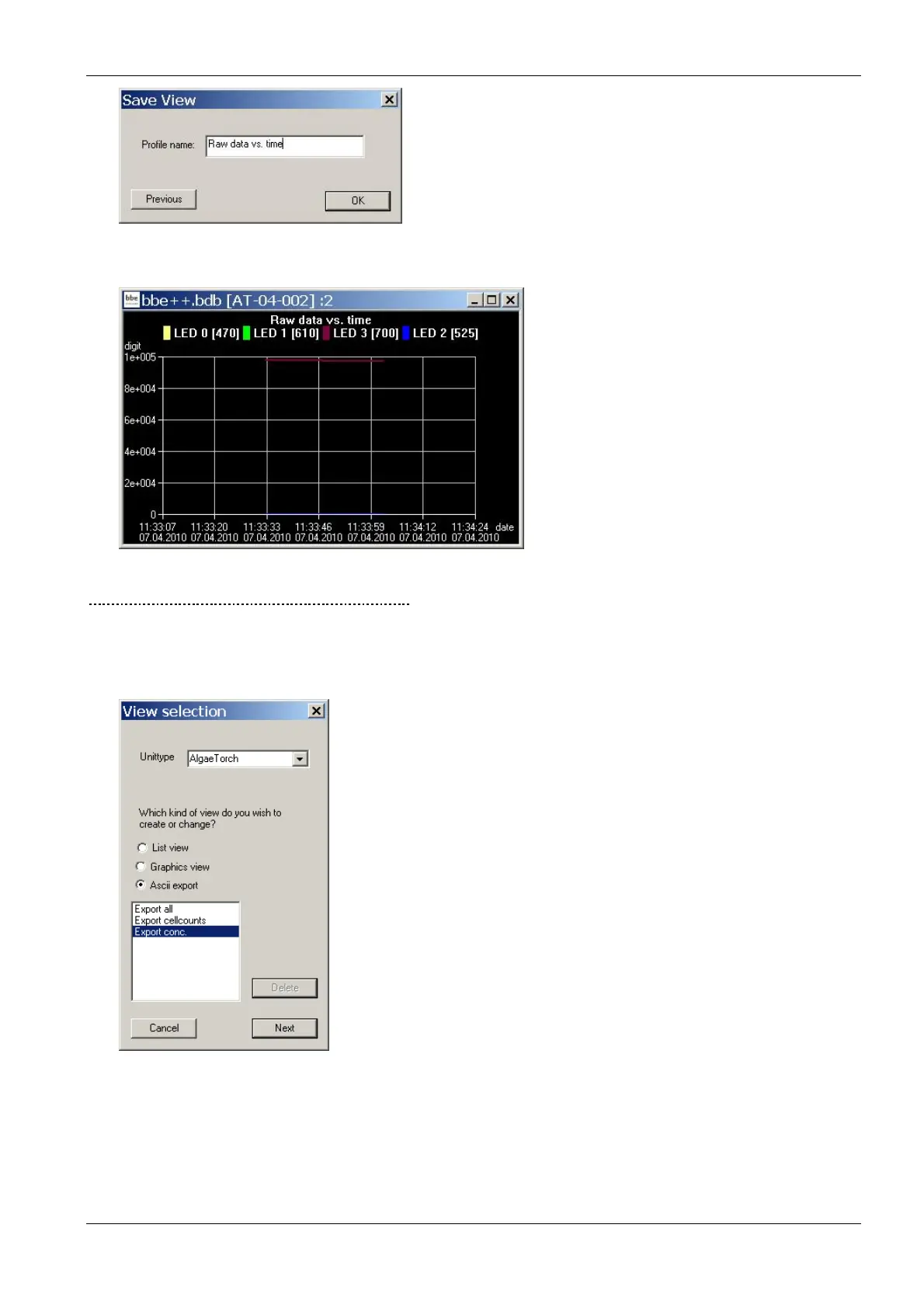
19. The current data is shown using the new view after clicking “OK”.
G
ENERATING AND EDITING AN
ASCII
E
XPORT
View Selection
1. Open the view editor:
2. Choose the type of instrument the export is to be used for (in the example “AlgaeTorch”)
3. Choose the type of export that is to be generated or edited (in the example “ASCII export”)
4. Choose one existing view to edit or as a template for a new view. The delete button is used to delete a
view. It is not possible to delete pre-defined views.
5. Click “N
EXT
”



 To Next Page