The Menus
bbe BenthoTorch Manual Page 87
Force import of all data
The import starts with the latest data. If there are data already in the database, the import stops. The software
does not look for older, not-imported data to reduce the importing time.
If older data are to be imported, this flag has to be activated. If activated, all data from the FluoroProbe are
imported. Datasets already in the database are skipped.
Synchronize device with PC time
To set the clock of the FluoroProbe, synchronise it with the clock of the PC by activating “Synchronize with PC”.
Get data from device
Imports parameters and the latest data that have not been imported yet. The import starts with the latest data. If
there are data already in the database, the import stops. The software does not look for older, not-imported data
to reduce the importing time.
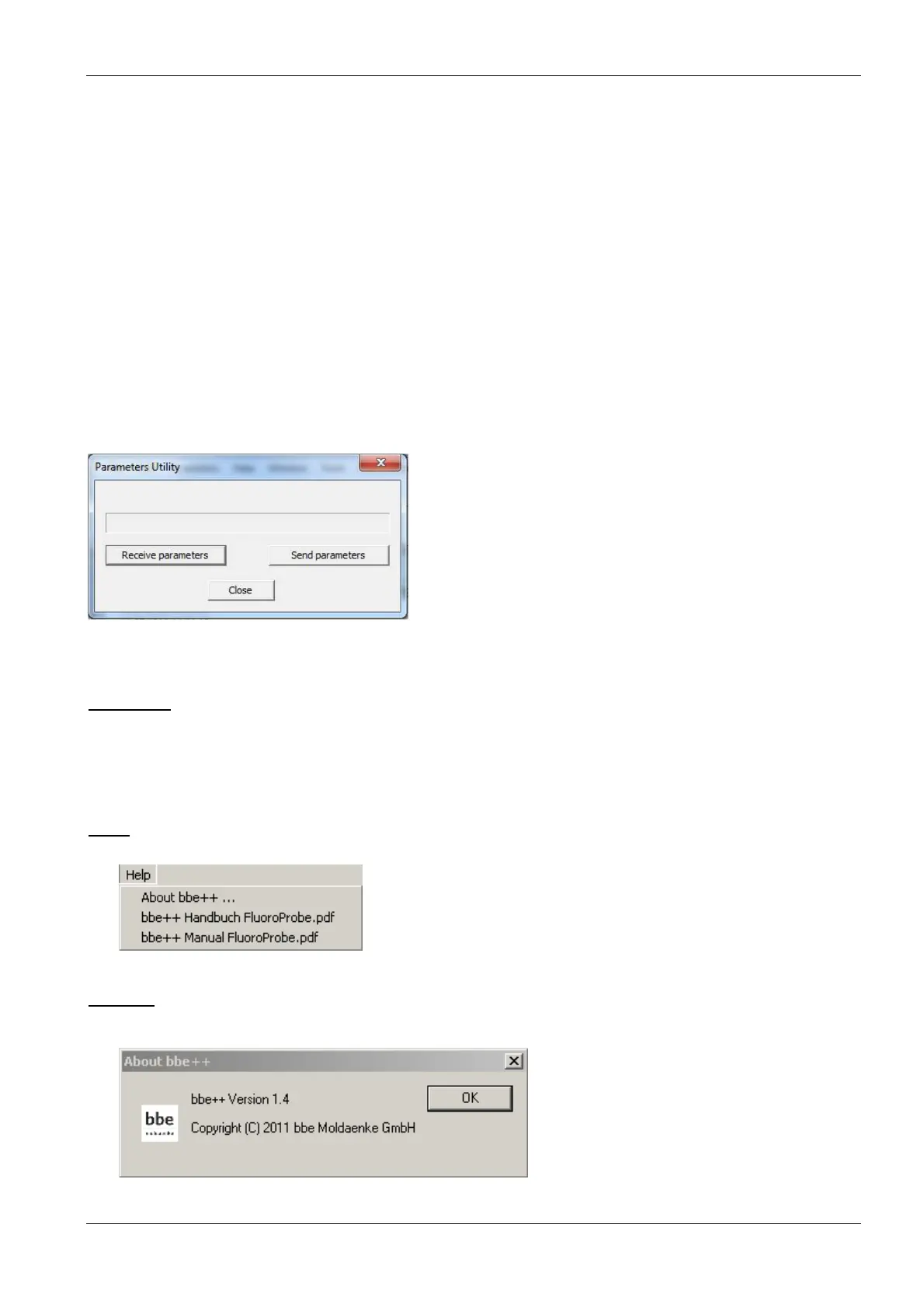
Parameters utility
Receiving the complete parameters set from the AlgaeTorch / BenthoTorch and sending a Parameters file to the
instrument. This is supplied by the bbe service in most of the cases.
SQL Script
This function can be used to run an SQL script on the database to reorganise it or to do some special
calculations. The SQL script is provided by bbe Moldaenke as the case arises.
H
ELP
About …
Displays the start-up screen.



 To Next Page