User Manual 25
Downloading and installing Cura
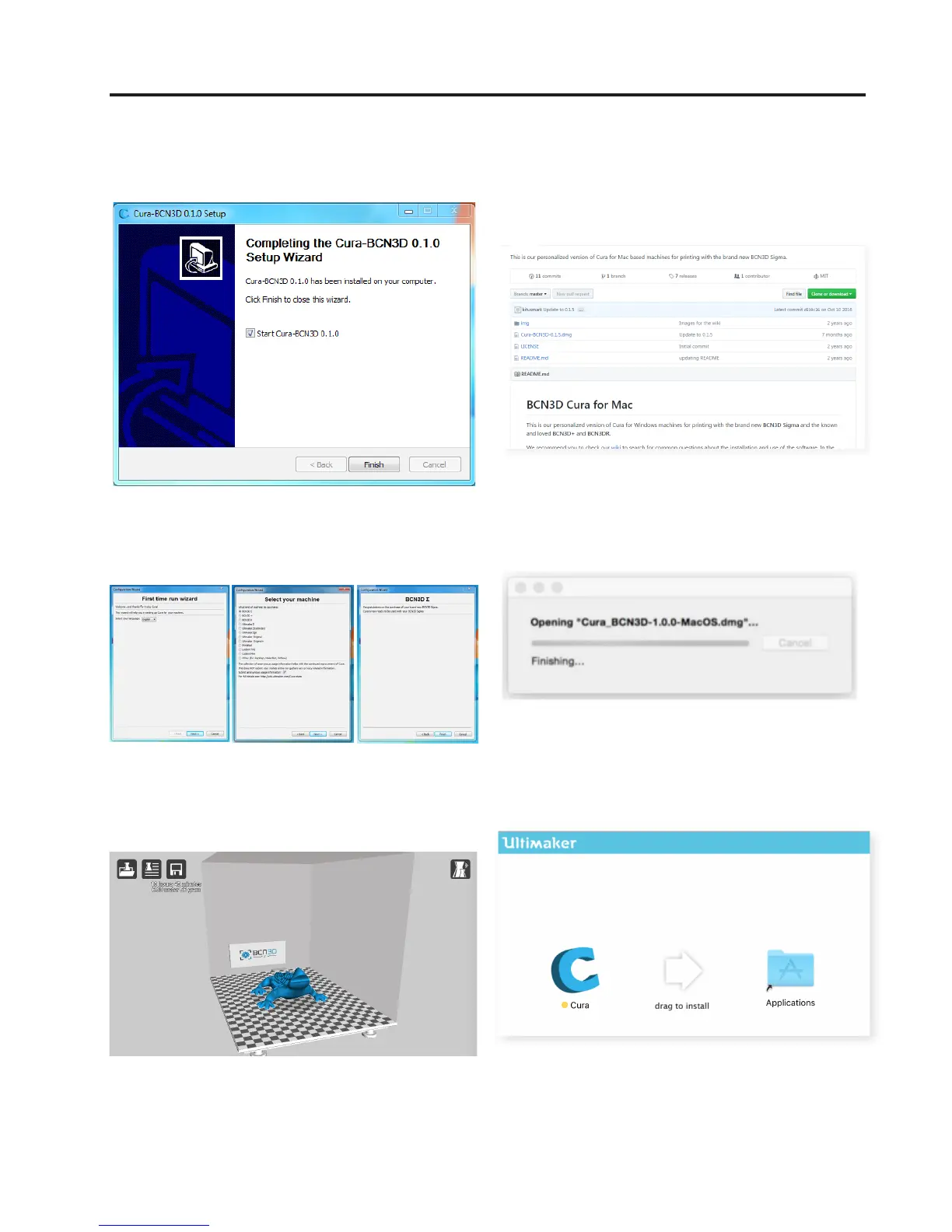
5. If it is the first time you have installed the Cura soft-
ware, the First-time-run Wizard will appear onscreen:
2. When the download is completed you must decom-
press the folder and execute the Cura-BCN3D.dmg file.
3. When the file is opened a new window will appear,
asking for the programme to be installed in the
applications.
4. Next follow the instructions of the Setup Wizard.
6. Select BCN3D Sigma from the list of printers, and
close the Wizard.
Cura-BCN3D for Mac
1. Chose Cura.dmg



 To Next Page