24 User Manual
Starting out with Cura-BCN3D
Downloading and installing Cura
Although BCN3D Technologies printers are compatible with many different G-Code software generators, we re-
commend using the Cura version that has been developed by BCN3D Technologies.
Cura is open source software that adapts to the new IDEX system very well. Like other G-Code software genera-
tors, Cura slices 3D models into layers, where the perimeters and infill of the object are clearly defined.
To provide a better printing experience, BCN3D Technologies´s version of Cura includes some changes which have
been made to Cura´s interface and functionalities. These changes to the software have enabled us to achieve a
better performance.
If you already have an earlier version of Cura that was
not developed by BCN3D Technologies, we recommend
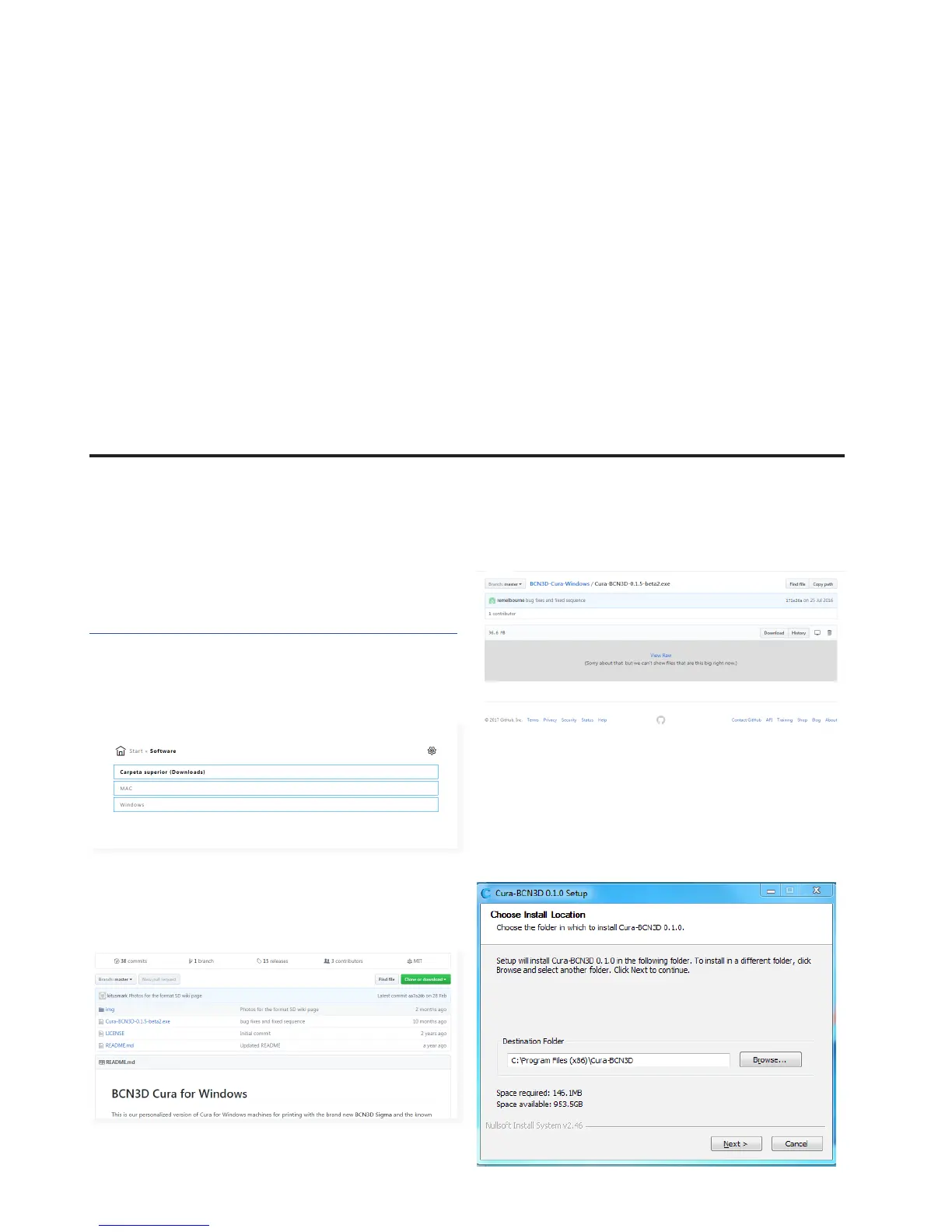
you uninstall it. Next you should visit BCN3D´s website.
https://www.bcn3dtechnologies.com/es/sigma-downloads/
Depending on which operating system you use, click on
one of the links you can see in the photo.
2. Download ZIP
3. When the download is completed you must decom-
press the folder and execute the Cura-BCN3D.exe file.
Cura-BCN3D for Windows
1. Chose Cura.exe



 To Next Page