26 User Manual
Downloading and installing Cura
First IDEX printing
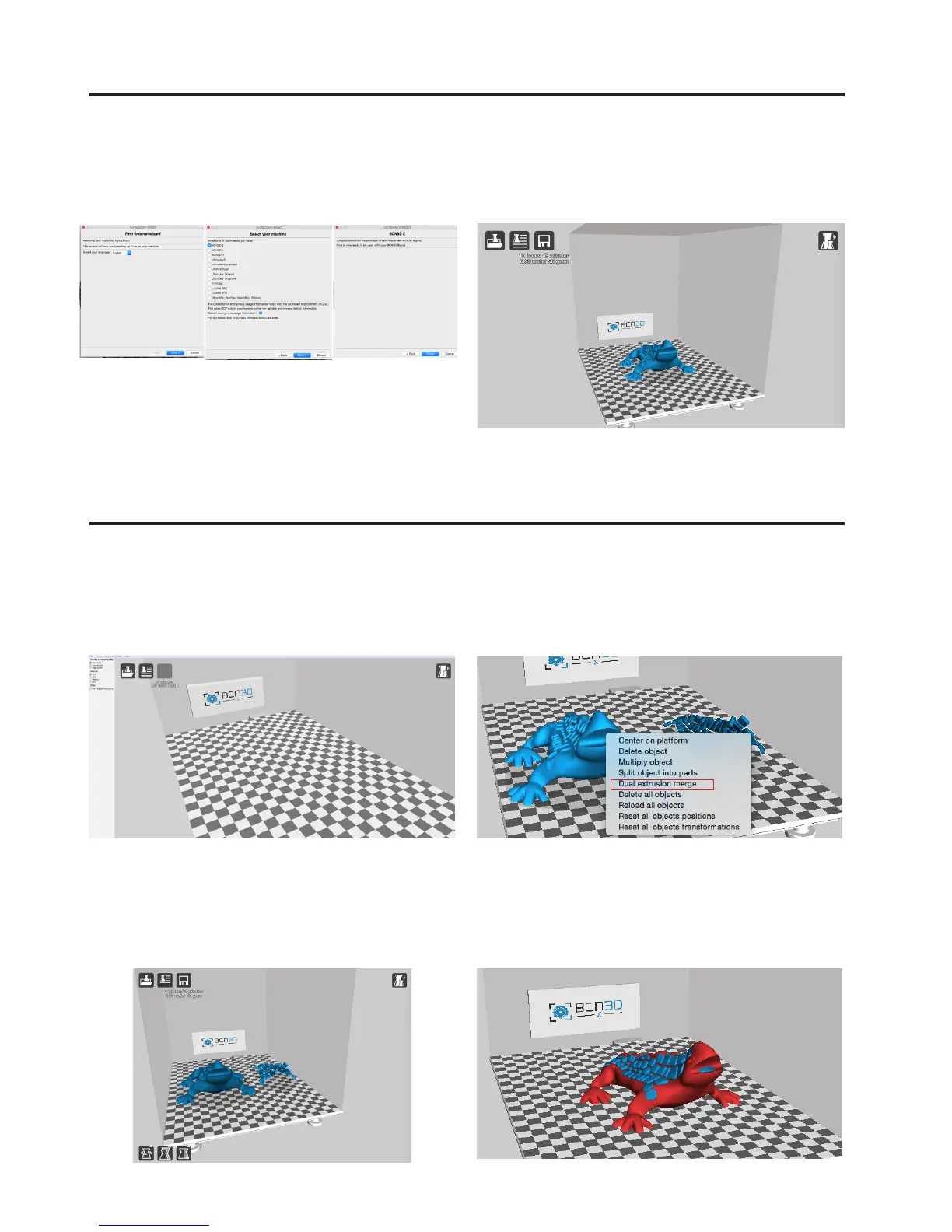
4. If it is the first time you have installed the Cura soft-
ware, the First-time-run Wizard will appear onscreen:
1. Open the Cura-BCN3D programme after downloa-
ding and installing it.
3. Right-click on one of the two objects of the model.
Click on the Dual Extrusion Merge option.
4. The figure should now appear as a single model in
two different colours. This process may take a few
seconds.
2. Click on File. Load Draudi profile and select the *.STL
format files to be printed. After you have done this, the
Draudi object will appear in two parts.
5. Select BCN3D Sigma from the list of printers, and
close the Wizard.



 To Next Page