22 User Manual
Setup Assistant
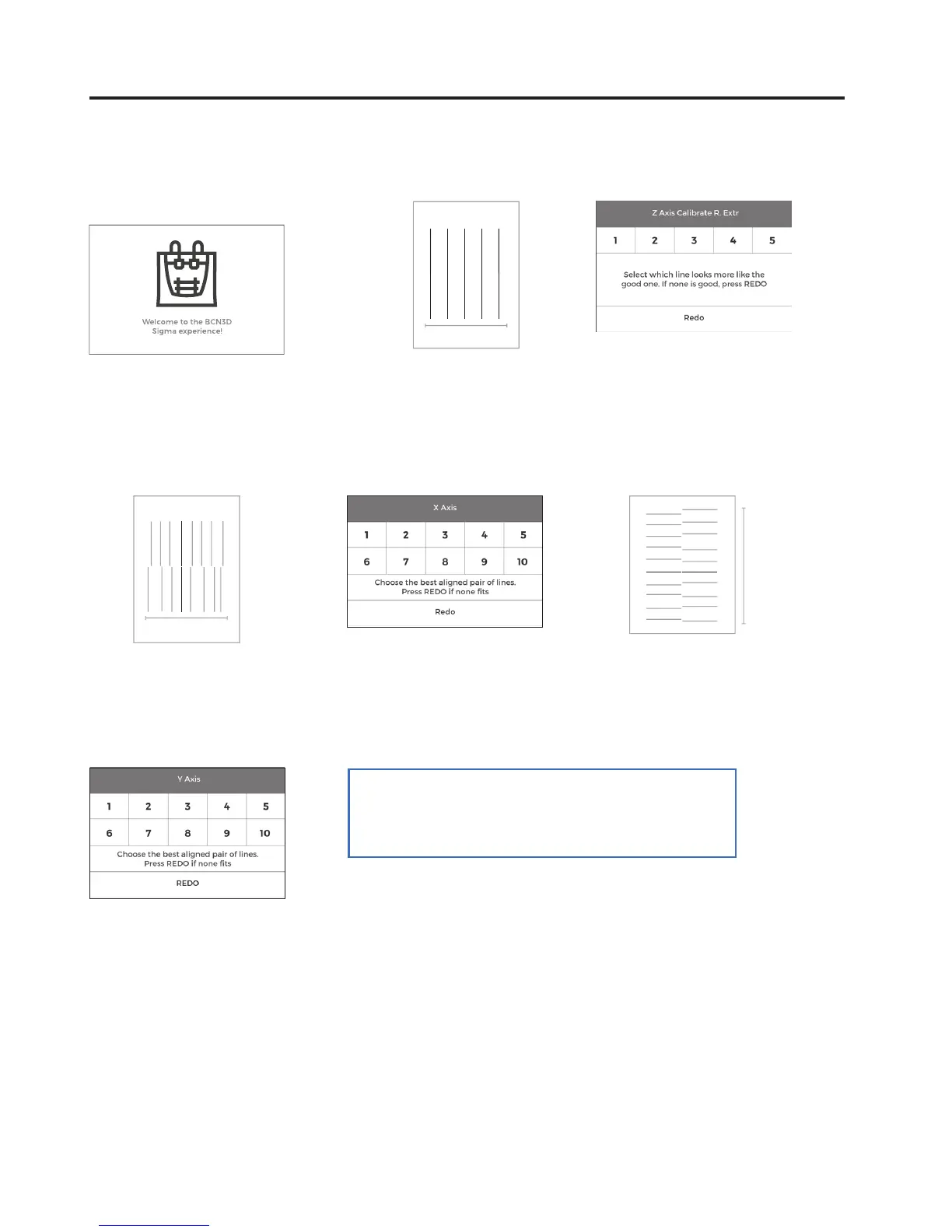
10. Z Axis calibration
Follow the instructions of the
calibration sheet
13. X Axis calibration
The printer will print vertical lines.
16. Choose best aligned couple
of lines.
15. Y Axis calibration
The printer will print horizontal lines.
12. Look for the transparent line. Then
count 2 to the right. Redo if necessary
11. Follow the instructions of the
calibration sheet
1 5
14. Choose best aligned couple
of lines.
Congratulations! Your printer has been
calibrated and it is ready to print.
1 10
1
10



 To Next Page