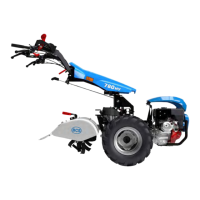
4. Be careful not to stress or sharply bend the control ca-
bles while indexing the control column.
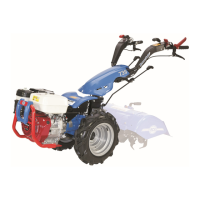
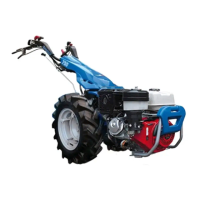
Turn column 180 degrees as follows:
a) models 710,718,722,732 and 948: convert from
tractor to pusher by pulling rod or lever and turning
the control column 180 degrees counter-clockwise
(to go back to tractor mode, turn clockwise).
b) models 852 and 853: convert from pusher to trac-
tor by pulling the lever on right handlebar and tur-
ning column 180 degrees clockwise (to go back to
pusher mode, turn counterclockwise).
5. Put the shift rods back in their brackets on the control
column. Check the position of the control cables and
see that they are neither bunched up nor pulled taut.
OPERATING IN CONVERTED
MODE, ALL MODELS
1. TRACTOR MODE:
Push the PTO shift rod forward to engage the PTO,
pull it back for the disengagement.
2. PUSHER MODE:
Pull the PTO shift rod back to engage the PTO, push
it forward for the disengagement.
3. SHIFTING THE GEARS:
Shift into desired gear according to model.
33
2


 To Next Page