34
Part No. 6-847684-00 Rev. D01
Operation
Start-Up and Checking
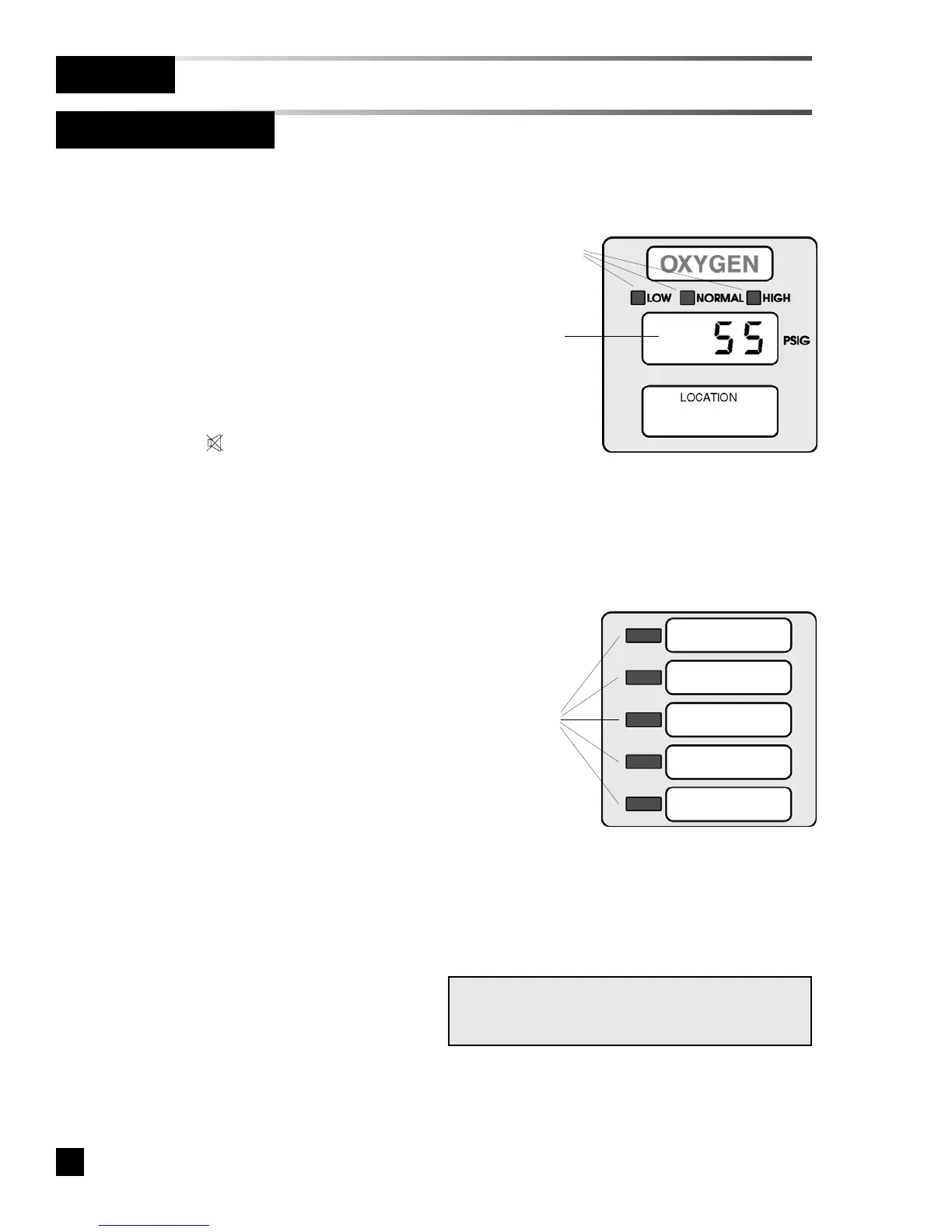
Digital Display Module
Multi-Signal Module
Status LED
Indicators
LED Display
SIGNAL #1
SIGNAL #2
SIGNAL #3
SIGNAL #4
SIGNAL #5
Status LED
Indicators
NOTE:
If any module appears to be malfunctioning, refer
to Troubleshooting Guide.
1. Turn on electrical power to alarm
panel.
2. Make following observations:
• POWER ON light illuminates on
front of alarm panel.
• Digital display and multi-signal
modules warm-up for ten seconds.
During warm-up, no audible or
visual alarms activated. After
warm-up, audible and visual
alarms are initiated for any active
alarm.
3. Press MUTE button to silence
audible alarm.
4. Pressurize piping system (medical gas
and vacuum).
5. Make following observations:
• Digital display modules display
actual pipeline pressures or
vacuum levels.
• If digital display module pipeline
pressures and vacuum levels are
within pre-set limits, NORMAL
indicator is illuminated.
• If digital display module pipeline
pressures and vacuum levels are
outside pre-set limits, status
indicators show HIGH or LOW.
• If a fault code is displayed (
-- FF 11 --
,
-- FF 22 --
,
-- FF 33 --
or
-- FF 44 --
) refer to
Troubleshooting Guide.
• Multi-signal modules indicate
current status from dry-contact
switches. Unused signals can be
disabled. Refer to Set-Up
Procedure.



 To Next Page