40
Part No. 6-847684-00 Rev. D01
Setting Audible Alarm Repeat Time and
Display Intensity:
Used to set time interval for reactivation
of audible alarm after alarm MUTE
button has been pressed.
1. Press and HOLD SETUP button.
Audible alarm will chirp when SETUP
button is first pushed, again after two
seconds and a third time after four
seconds. Release button after third
audible alarm chirp. Multi-signal
module front panel LED indicators will
show current audible alarm repeat
time as shown below:
Indicator Illuminated Repeat Time
None OFF
Signal 1 - red 1 Min.
Signal 2 - red 5 Min.
Signal 3 - red 15 Min.
Signal 4 - red 30 Min.
Signal 1 - green 1 Hr.
Signal 2 - green 2 Hr.
Signal 3 - green 8 Hr.
Signal 4 - green 12 Hr.
Signal 5 - green 24 Hr.
2. Using either ! or " buttons, select
desired audible alarm repeat time.
3 Press and release TEST button on
front of alarm panel. All LED
indicators will illuminate.
4. Select desired display brightness by
pressing either ! or " buttons. Each
push will increase or decrease
brightness of display. Audible alarm
will chirp one time with each button
push and two times when limit is
reached.
5. Press and release TEST button to
save changes. LEDs will sweep from
top to bottom to indicate end of set-up
sequence. Multi-signal module will
return to monitoring mode.
Operation
Set-Up Procedure
Monitoring Mode
Monitoring mode is the normal operating
mode of the MEGA
2
system.
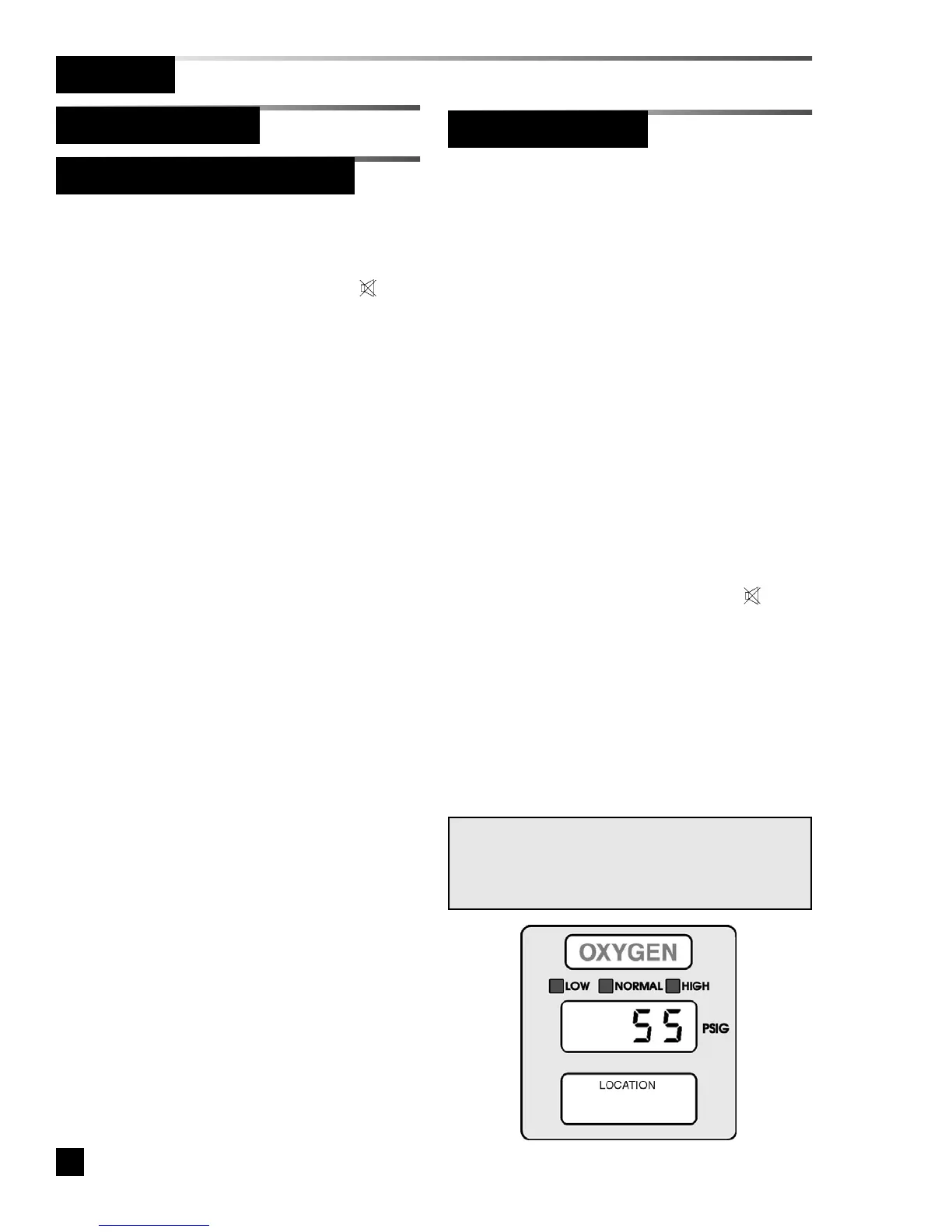
Digital Display Module:
Digital display modules monitor pipeline
pressure or vacuum.
• The LED display indicates pipeline
pressure or vacuum.
• If piping pressure or vacuum level is
within high and low alarm limits, green
NORMAL indicator is illuminated.
• If pressure or vacuum level drops to,
or below, low alarm set-point, audible
alarm activates and red LOW indicator
flashes.
• If pressure or vacuum level rises to, or
above, high alarm set-point, audible
alarm activates and red HIGH
indicator flashes.
• When front panel alarm MUTE
button is pressed, audible alarm is
silenced. Alarm indicator remains
illuminated, but does not flash.
• Visual indicator will remain illuminated
as long as alarm condition remains.
• If audible alarm repeat time has been
set, audible alarm will reactivate, and
visual indicator will again flash after
specified time.
NOTE:
Sensor faults will be displayed as
-- FF 11 --
,
-- FF 22 --
,
-- FF 33 --
or
-- FF 44 --
error codes. Refer to trou-
bleshooting section for details.
Multi-Signal Module (Advanced)



 To Next Page