Deleting transmitters
Deleting individual transmitters
Note
The programmed master transmitter cannot be deleted. It can only be
overwritten.
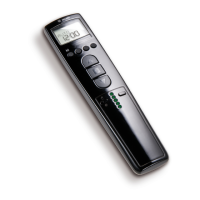
Press the programming button (C) on the master transmitter for 3 seconds.
[ The LED (D) lights up once to confirm.
Now press the programming button of the transmitter to be deleted for 3 seconds.
[ The LED (D) lights up once to confirm.
Then press the programming button of the transmitter to be deleted again for 10 sec‐
onds.
[ The LED (D) lights up twice to confirm.
Æ The transmitter has now been deleted from the radio receiver.
Deleting all transmitters (except the master transmitter)
Press the programming button (C) on the master transmitter for 3 seconds.
[ The LED (D) lights up once to confirm.
Press the programming button (C) on the master transmitter again for 3 seconds.
[ The LED (D) lights up once to confirm.
Press the programming button (C) on the master transmitter again for 10 seconds.
[ The LED (D) lights up twice to confirm.
Æ All transmitters (except the master transmitter) have now been deleted from the ra‐
dio receiver.
Overwriting the master transmitter
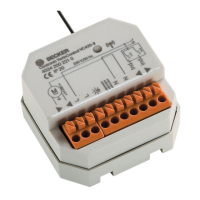
Press the programming button on the radio receiver (B) for 3 seconds.
[ The LED (D) flashes and the radio receiver goes into programming mode for 3
minutes.
Now press the programming button of the new master transmitter for 10 seconds.
[ This is confirmed by the LED (D) going out.
Æ The new master transmitter has now been programmed and the old master trans‐
mitter overwritten.
9






 To Next Page