116
>>> TELEPHONE MODE
> D
> GB
> F
> I
> PL
Disconnecting a connected telephone
You may disconnect the connection to a
cell phone currently connected via
Bluetooth.
> Press the
Disconnect button.
The connection to the cell phone current-
ly connected is disconnected.
Telephone calls
In the telephone calls section, you can
find a summary of the control options
that are available for establishing a call,
accepting a call, and ending a call.
Establishing a call
> Enter a phone number or select an en-
try from the number list or phonebook.
The number is dialed.
If the call is accepted by the party called,
the display changes and you are con-
nected to the other party.
Accepting a call
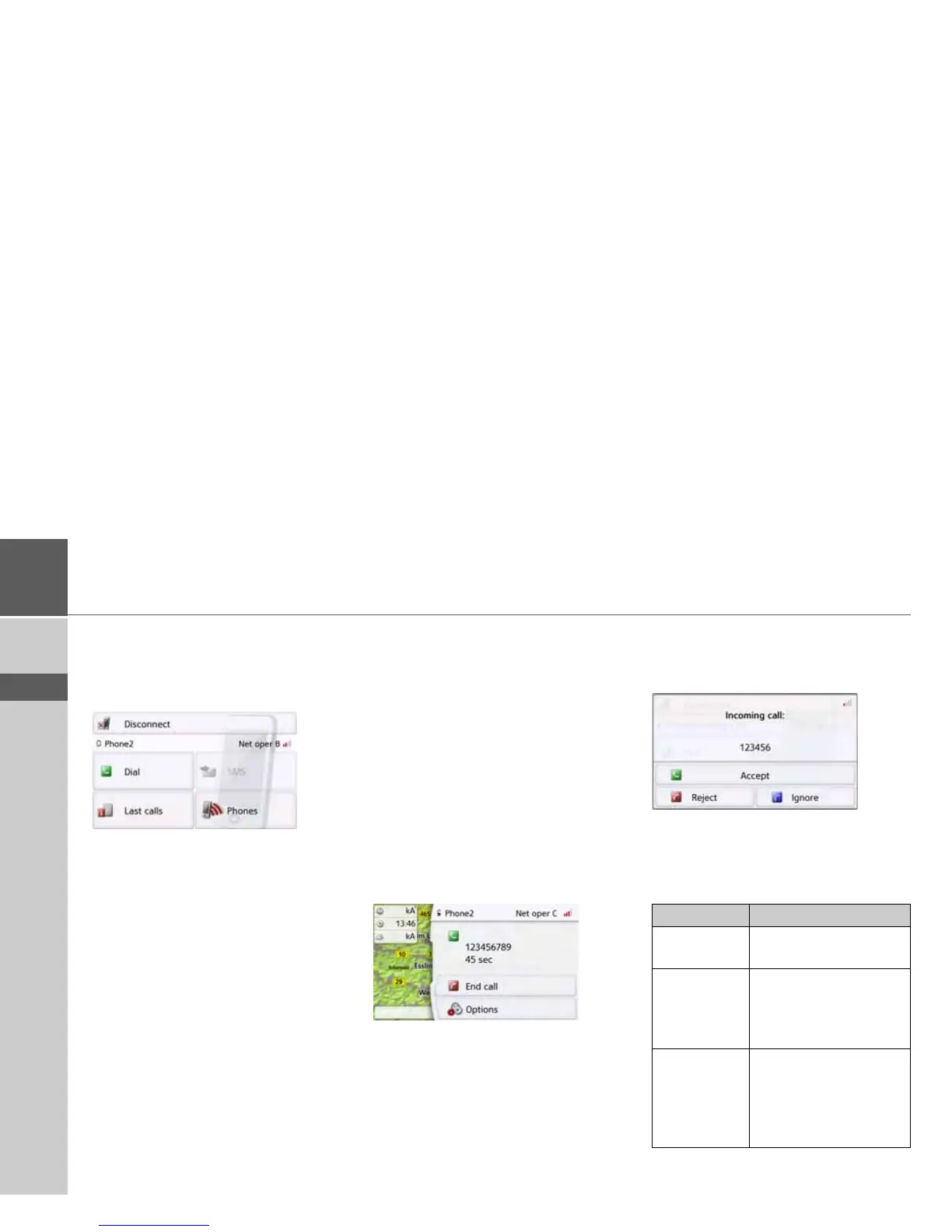
For an incoming call, a ringing tone will
sound. Also the following is displayed.
If available, the phone number and name
of the caller are displayed.
For incoming calls, you have several
operating options:
Selection Meaning
Accept The call is accepted. The
call screen is displayed.
Reject The call will be declined.
The caller hears the
busy signal. The screen
last active is displayed.
Ignore The ringing tone is
switched off. The screen
last active is displayed.
The call is ended if the
caller hangs up.



 To Next Page