77
NAVIGATION MODE >>>
> D
> GB
> F
> I
> PL
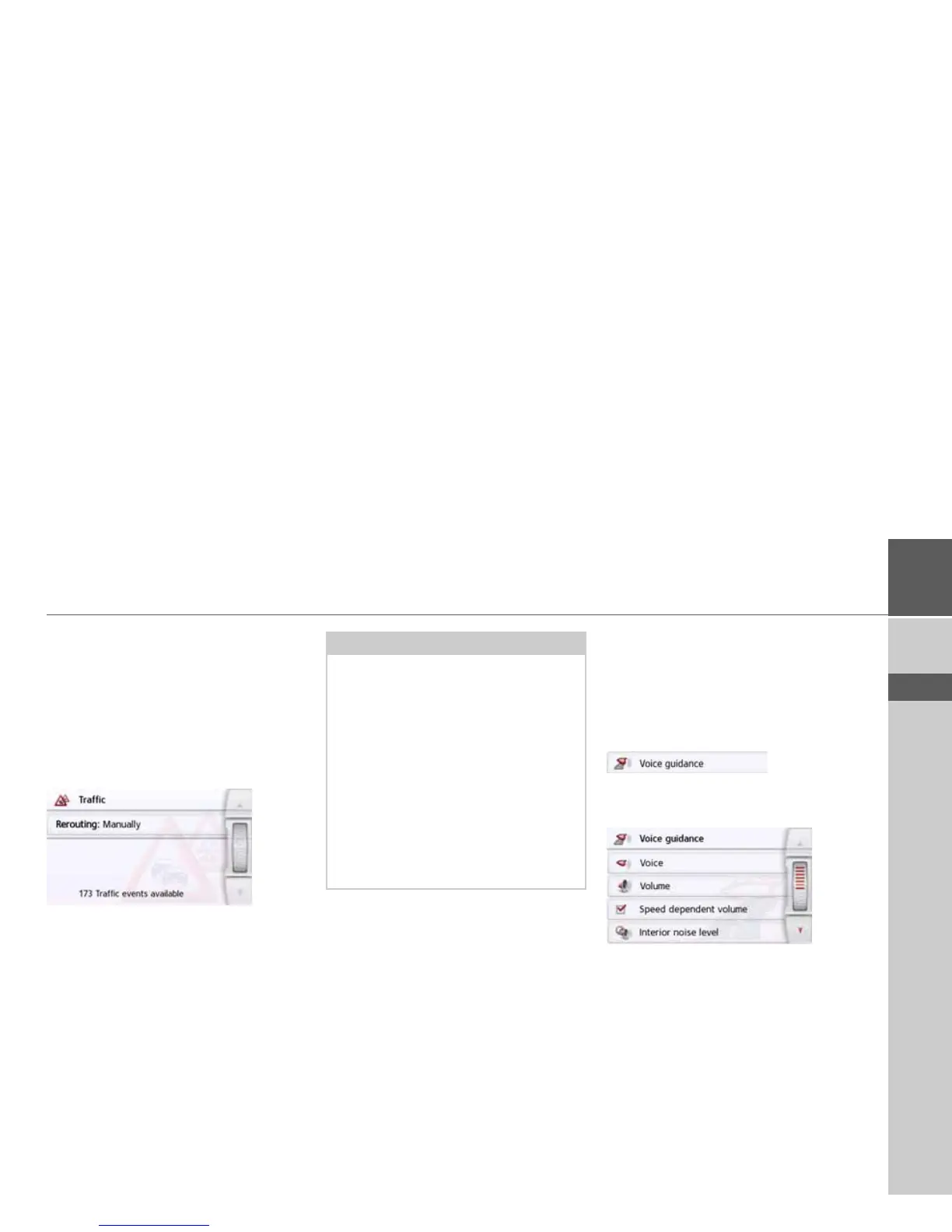
The Traffic Button (model dependent)
When the navigation device has access
to the server, the heading
Traffic and an-
other icon are displayed instead of TMC.
The traffic announcements will always
then be retrieved updated from the serv-
er. The settings are the same as de-
scribed in the chapter entitled TMC.
The Voice guidance button
In the Voice guidance settings window
you can make settings relating to the
voice guidance of the Navigation device.
> Press the
Voice guidance button in the
settings menu.
The
Voice guidance settings window
appears.
The following setting options are then
available:
•
Voice
You can select the voice that will make
the navigation announcements for the
language that has been set.
Notice:
The data transmission via your mobile
phone with Bluetooth may involve addi-
tional costs depending on the mobile
phone contract. Please find out from
your mobile phone provider before acti-
vating. If a connection to the server is
not possible, e.g. because no mobile
phone network is available for a longer
period of time, then the system switch-
es over automatically to TMC until a
connection to the server is possible
again.



 To Next Page