15
OVERVIEW OF THE NAVIGATION DEVICE >>>
> D
> GB
> F
> I
> PL
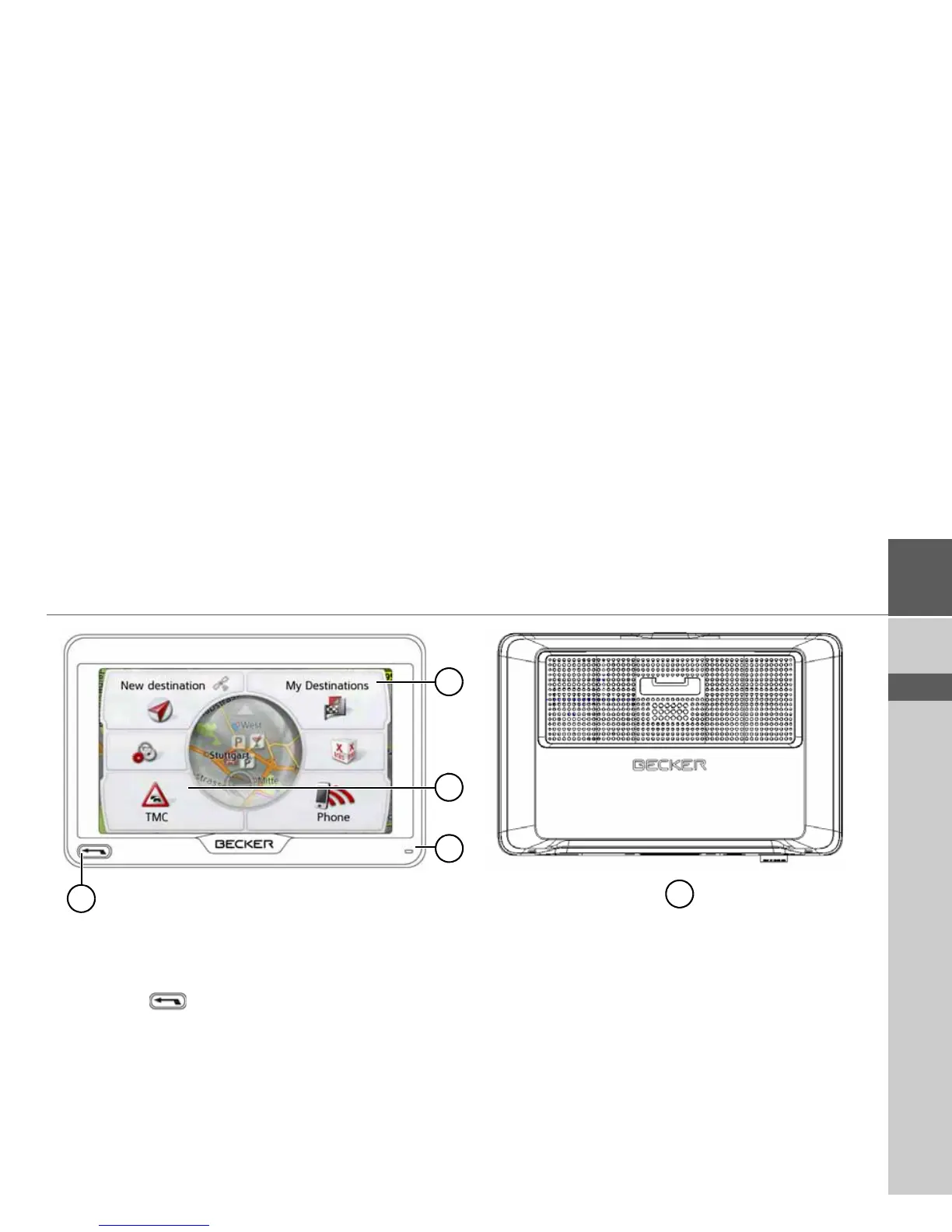
Overview of the navigation device
Front of unit with controls and displays
1 Back button
Press = Back function in most applications
Press and hold = Open the main menu
2 Touch screen showing the main menu selected
3 Touch screen key
Press = activates the corresponding key command
4 Microphone (depending on the model)
5 Rear of unit



 To Next Page