26
>>> GENERAL OPERATION
> D
> GB
> F
> I
> PL
Basic information about the
touch screen
The Navigation device is fitted with a
touch screen.
Operation
When you touch a button on the touch
screen, the button in question is briefly
shown outlined in red to confirm the
selection.
If you touch a button that is not active at
the moment, a short signal tone sounds.
Calibration
If the touch screen starts responding
imprecisely, calibration should be
undertaken.
The calibration function is started from
the menu (see also page 133).
Basic information about the
menus
During operations, you are assisted by
various menus and entry windows.
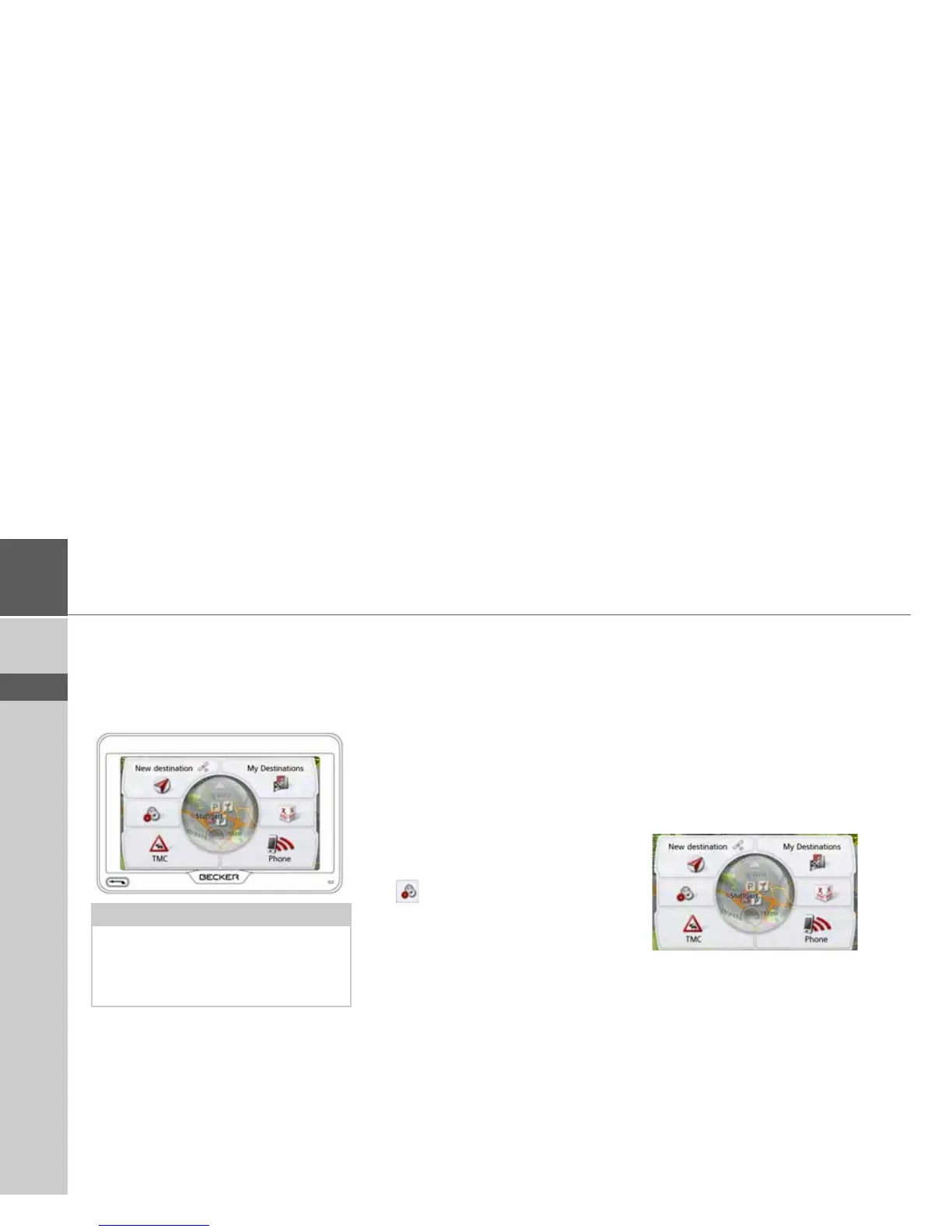
The main menu
The top menu level is the main menu.
The individual applications are started
from the main menu.
You will find information about the indi-
vidual applications in the corresponding
main chapters.
In addition to the individual applications,
the main menu also contains further
information and operating options.
Note:
To ensure that the display's surface is
not damaged, you may only touch it with
your fingers or a blunt, non-smearing
object.



 To Next Page