133
SETTINGS >>>
> D
> GB
> F
> I
> PL
• Bottom icon: The function is switched
off, the Navigation device does not
switch off automatically.
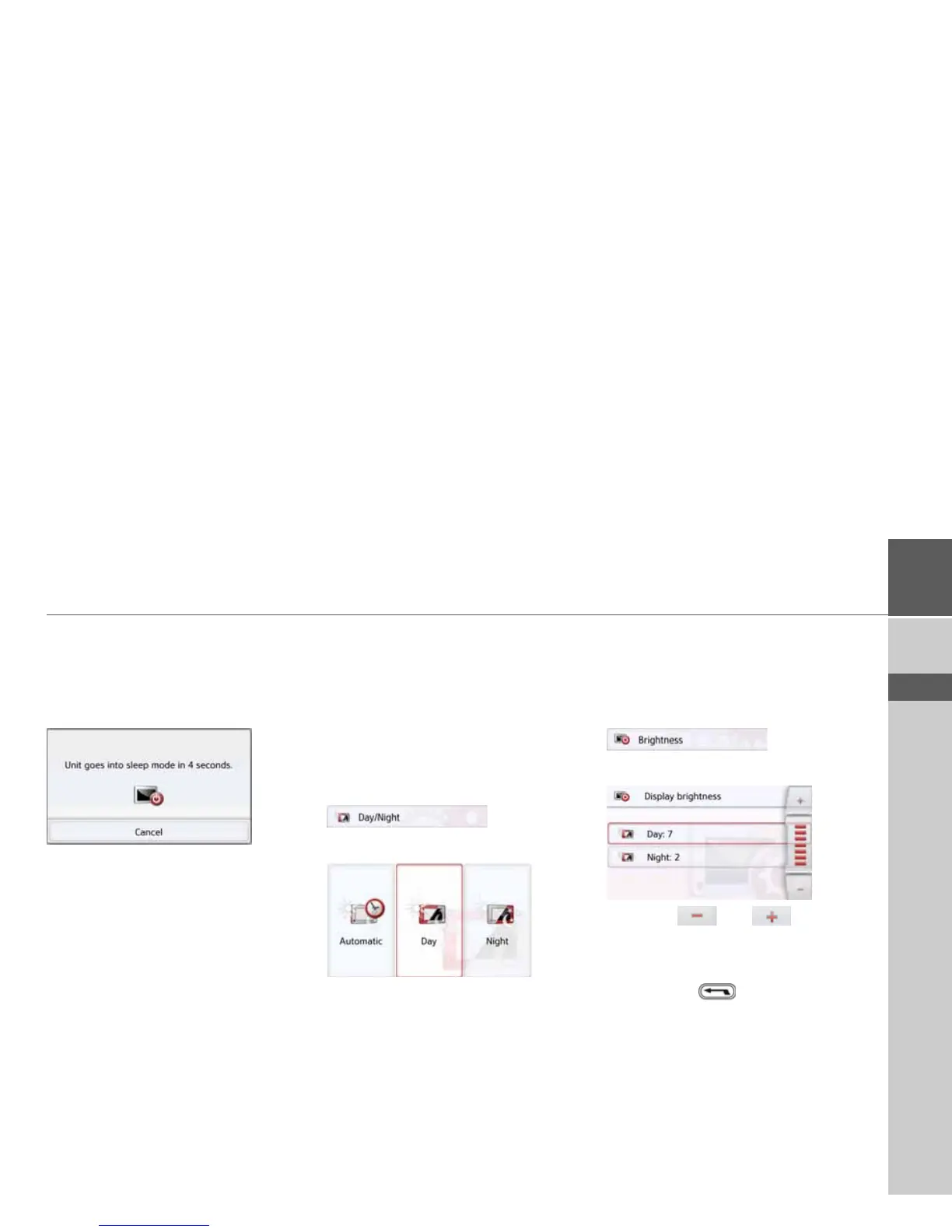
The following display is shown during
automatic switch-off.
You can cancel the automatic switch-off
procedure by pressing the
Cancel
button.
Day/night display
You can set the Navigation device display
to day, night or automatic.
The automatic setting changes automat-
ically between day and night display de-
pending on the time, the current position
and the time of year.
With the following button, you can call up
the setting:
> Press the
Day/Night button.
> Select from
Automatic, Day and Night.
The desired function is activated and the
system settings are displayed.
Brightness
You can set the brightness of the display
separately for day and night display.
With the following button, you can call up
the setting:
> Press the
Brightness button.
> Use the and buttons to
set the desired brightness for the day
and night display.
> Confirm your settings by pressing the
back button .



 To Next Page