84
>>> NAVIGATION MODE
> D
> GB
> F
> I
> PL
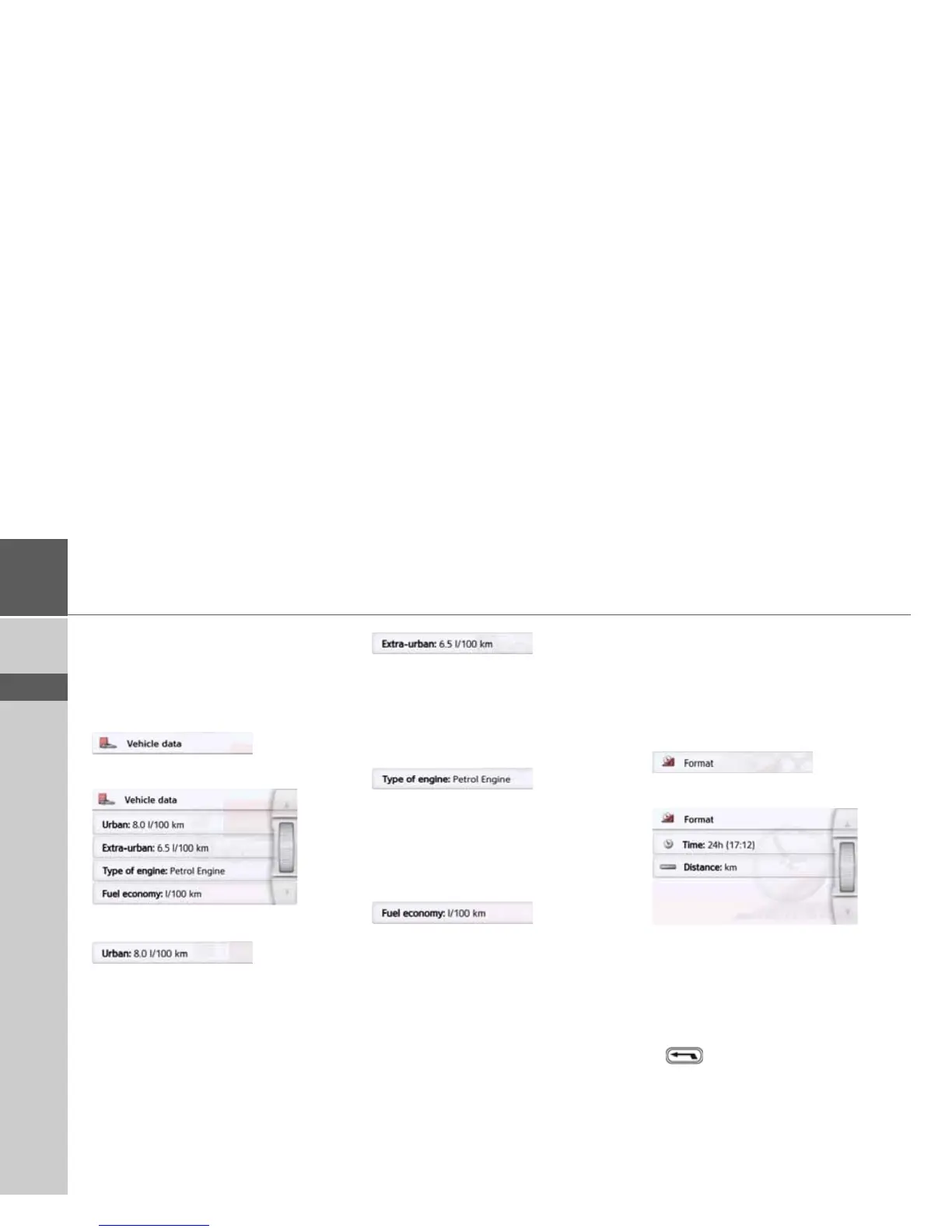
The Vehicle data button
This menu allows the calculation of an
economic route by using the fuel
consumption of the vehicle.
> Press the
Vehicle data button.
The Vehicle data window is displayed.
The following settings can be made:
> Press the
Urban button to enter the av-
erage fuel consumption of the vehicle
within cities. The input menu for num-
bers appears. Any existing inputs can
be deleted with the arrow buttons. En-
ter the fuel consumption value with
the number keys. The value can be giv-
en to one decimal point. Confirm your
entry by pressing the
OK button.
> Press the
Extra-urban button to enter
the average fuel consumption of the
vehicle outside cities. This can be
entered as described for the In city
value.
> Press the
Type of engine button to set
your engine type. The display changes
by pressing the button repeatedly. You
can select Petrol, Diesel and Hybrid as
the engine type.
> Press on the
Fuel economy button to
change to the consumption unit. Pres-
sing this button repeatedly will change
the display. You can choose from the
consumption units l/100 km, MPG (UK)
and MPG (US).
The Format button
In the Format settings window you can
set the measurement units to be used
for times and distances.
> In the settings menu, press the
Format
button.
The
Format settings window appears.
> Press the
Time button to switch be-
tween the 12 hour clock and the
24 hour clock.
> Press the
Distance button to switch
between kilometres and miles.
> Confirm your settings by pressing the
button.



 To Next Page