83
NAVIGATION MODE >>>
> D
> GB
> F
> I
> PL
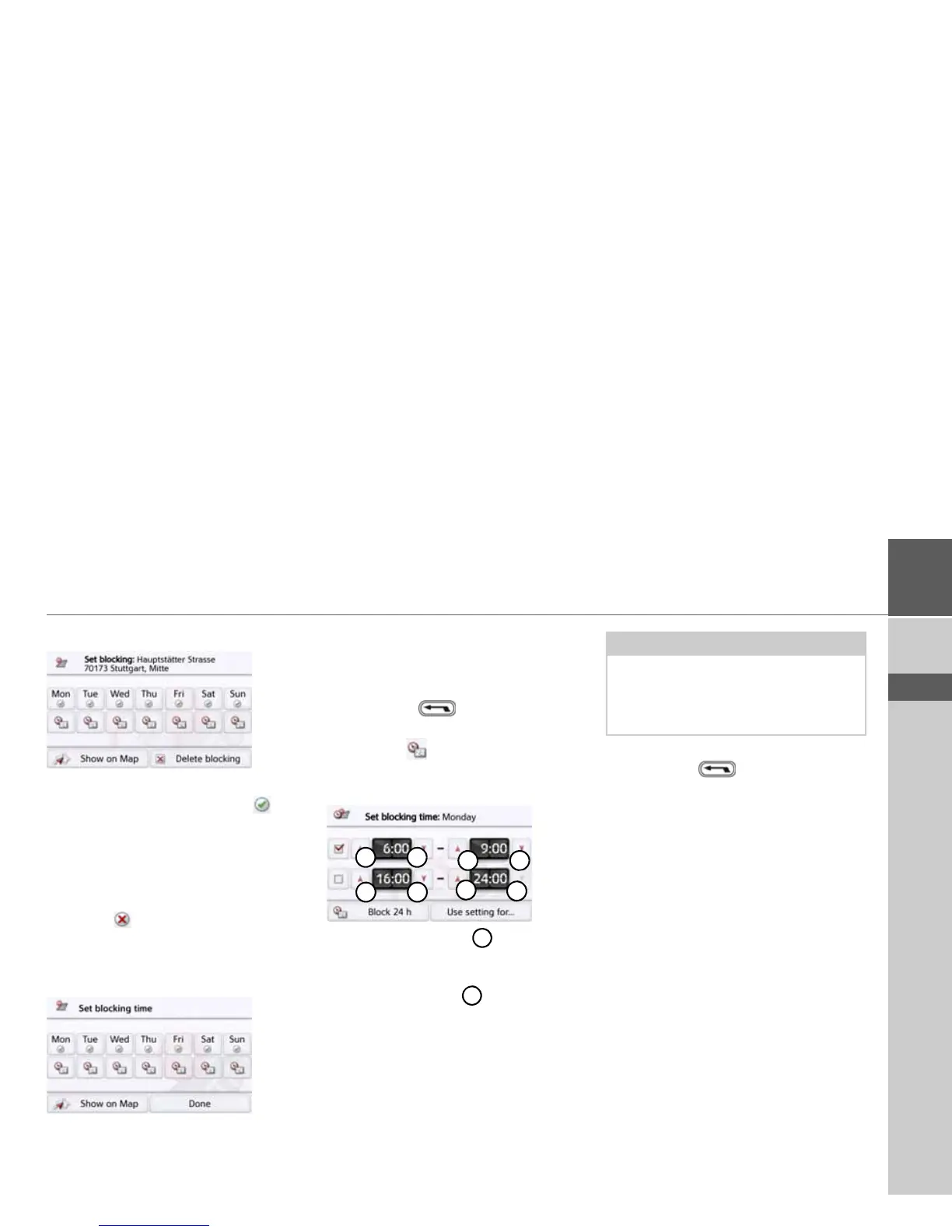
> Select the blocked road you want.
The road is currently blocked for all days
of the week, for the whole day . You
can now set whether or not the road
should be blocked for each day of the
week.
> Press the buttons with the days
on which the road should not be
blocked .
> Press the clock symbol under one of
the days and limit the block of this day
to the required time of the day.
You can now set whether or not the road
should be blocked for each day of the
week.
> Confirm your settings by pressing the
back button .
or
> Press the button under one of the
days and set up to two times when the
road should be blocked.
> Using the buttons set the first
period when the road is to be blocked
on this day.
> Using the buttons set the second
period when the road is to be blocked
on this day if necessary.
> Confirm your settings by pressing the
back button .
Note:
Press the
Block 24 h, button to set a
block for an entire day.
Press the
Use setting for... button to
also use the block on other days.



 To Next Page