123
TOOLS >>>
> D
> GB
> F
> I
> PL
Tools
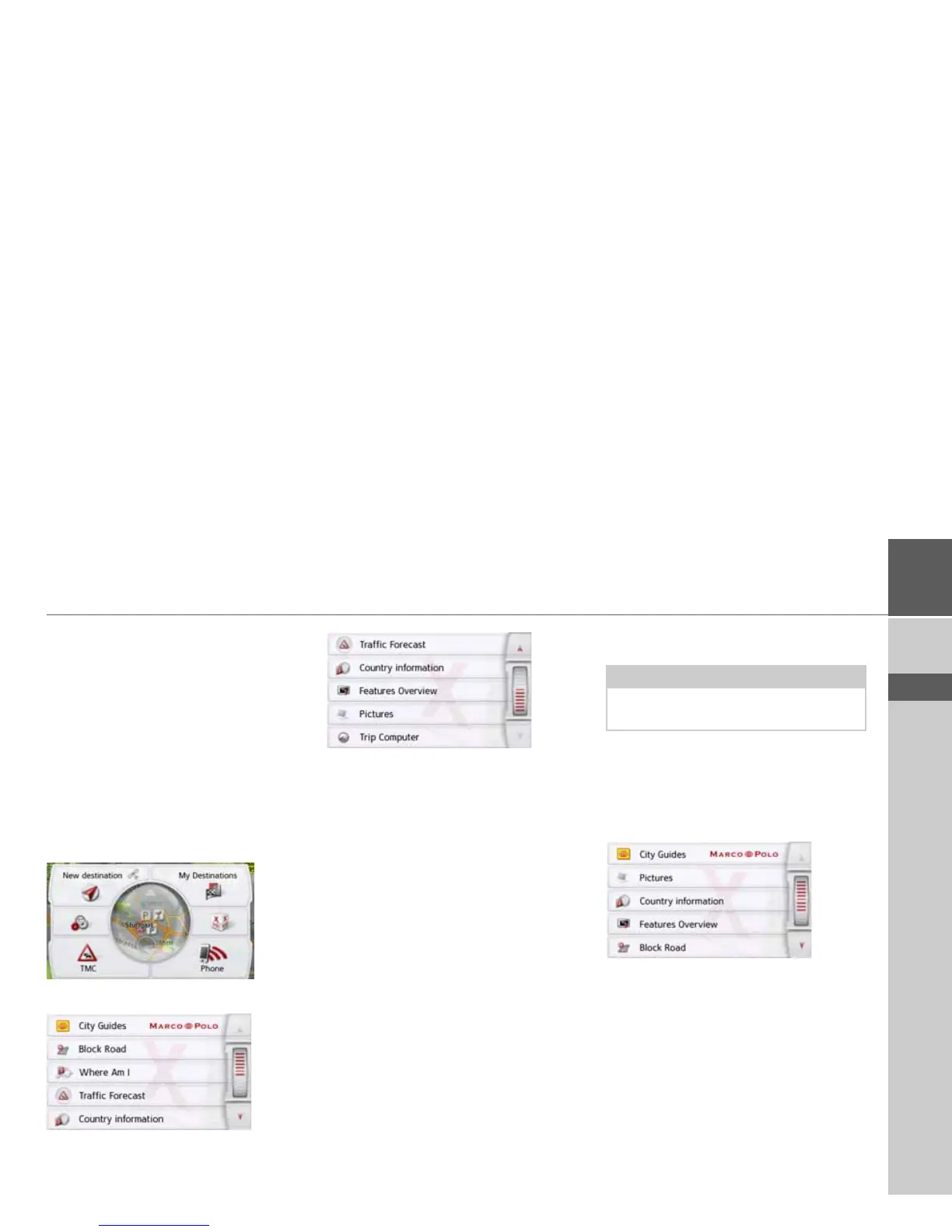
Under Tools, the following functions are
grouped together, depending on the
model:
•Marco Polo City Guides
• Image viewer
• Country information
•Overview of functions
• Blocking a section of the road
• Trip computer
The Tools menu is called up from the
main menu.
> In the main menu, press
Extras.
This displays the extras menu.
> Select the desired function by pressing
one of the buttons.
Marco Polo City Guides
With the travel guide, you can select, for
example, MARCO POLO Top-Highlights
or MARCO POLO Insider Tips and start
the guide destination there. See "Marco
Polo City Guides" on page 56.
Image viewer*
The Image Viewer can display pictures
saved on an inserted micro SD memory
card or on the internal memory.
The jpg and bmp image formats are
supported.
> Press the
Pictures button.
Note:
The image viewer cannot be called up
when route guidance is active.
*depending on model, this must be activated via the Content Manager.



 To Next Page