72
>>> NAVIGATION MODE
> D
> GB
> F
> I
> PL
With the three saved truck profiles you
have the option to customize the truck
symbol and name .
The window is displayed for select-
ing the maximum speed
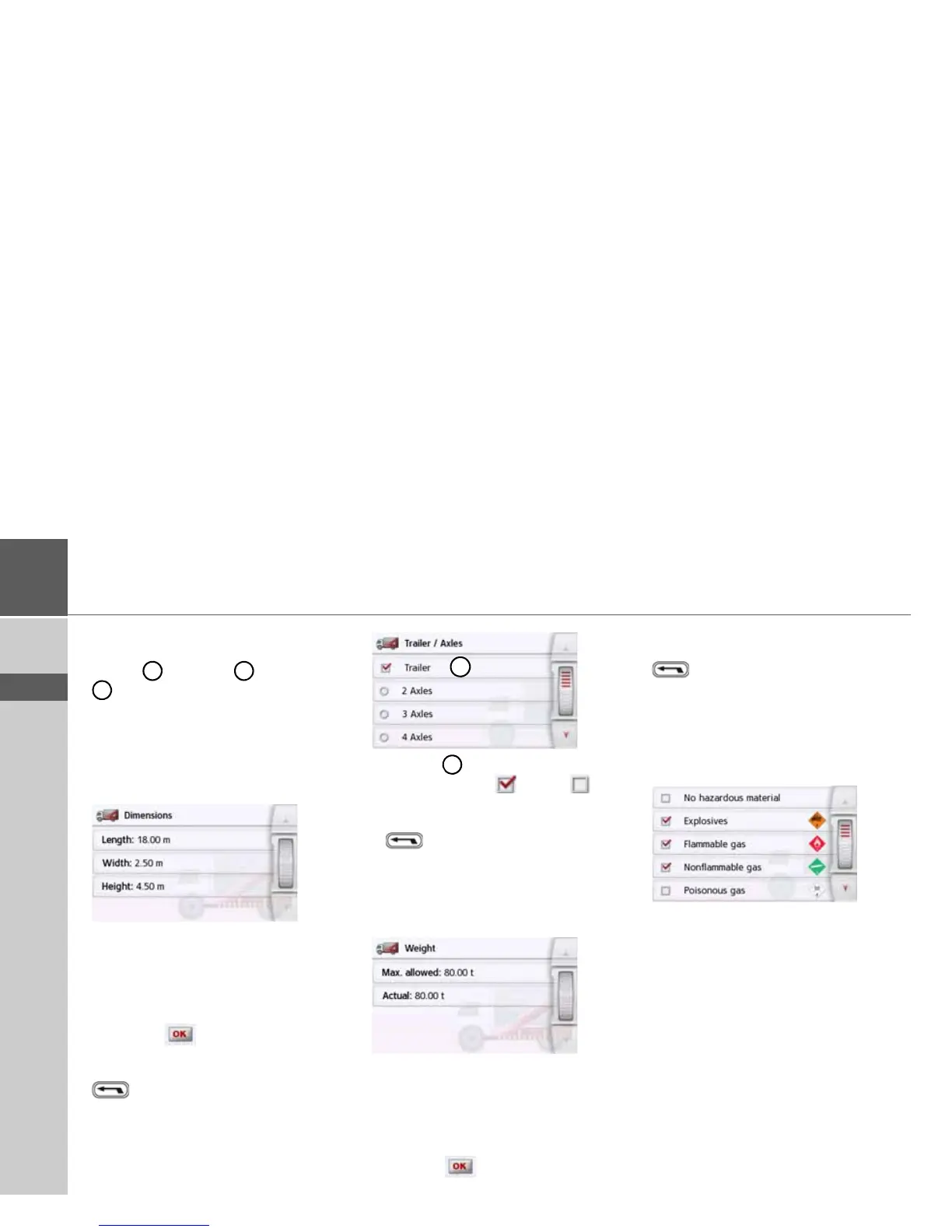
Setting size
> In the profile settings, press the button
for setting the size.
> Press the button next to the dimension
to be entered.
An entry menu will appear.
> Enter the desired dimension.
> Confirm the entry in the entry menu by
pressing .
Once you have made all the required set-
tings, confirm your settings by selecting
.
Setting trailer and axles
> In the profile settings, press the button
for the trailer and axle settings.
> Use the button to select whether
there is a trailer ( ) or not ( ).
> Select the total number of axles.
> Confirm your settings by selecting
.
Setting weight
> In the profile settings, press the button
for setting the weight.
> Press the button next to the weight to
be entered.
An entry menu will appear.
> Enter the desired weight.
> Confirm the entry in the entry menu by
pressing .
Once you have made all the required set-
tings, confirm your settings by selecting
.
Setting hazardous materials class
> In the profile settings, press the button
for setting the hazardous materials
class.
> Select the required hazardous materi-
als class.



 To Next Page