66
❿ Connections in compliance
with measurement layout.
❿ Switch on the Light Source SLS
-100 and set desired power
level.
❿ Switch on the OPM-110 using
the pushbutton and also set the
same wavelength by means of
the pushbutton.
❿ The multimeter together with
the Optical Power Meter OPM-
110 indicate an absolute mea-
surement value in dBm.
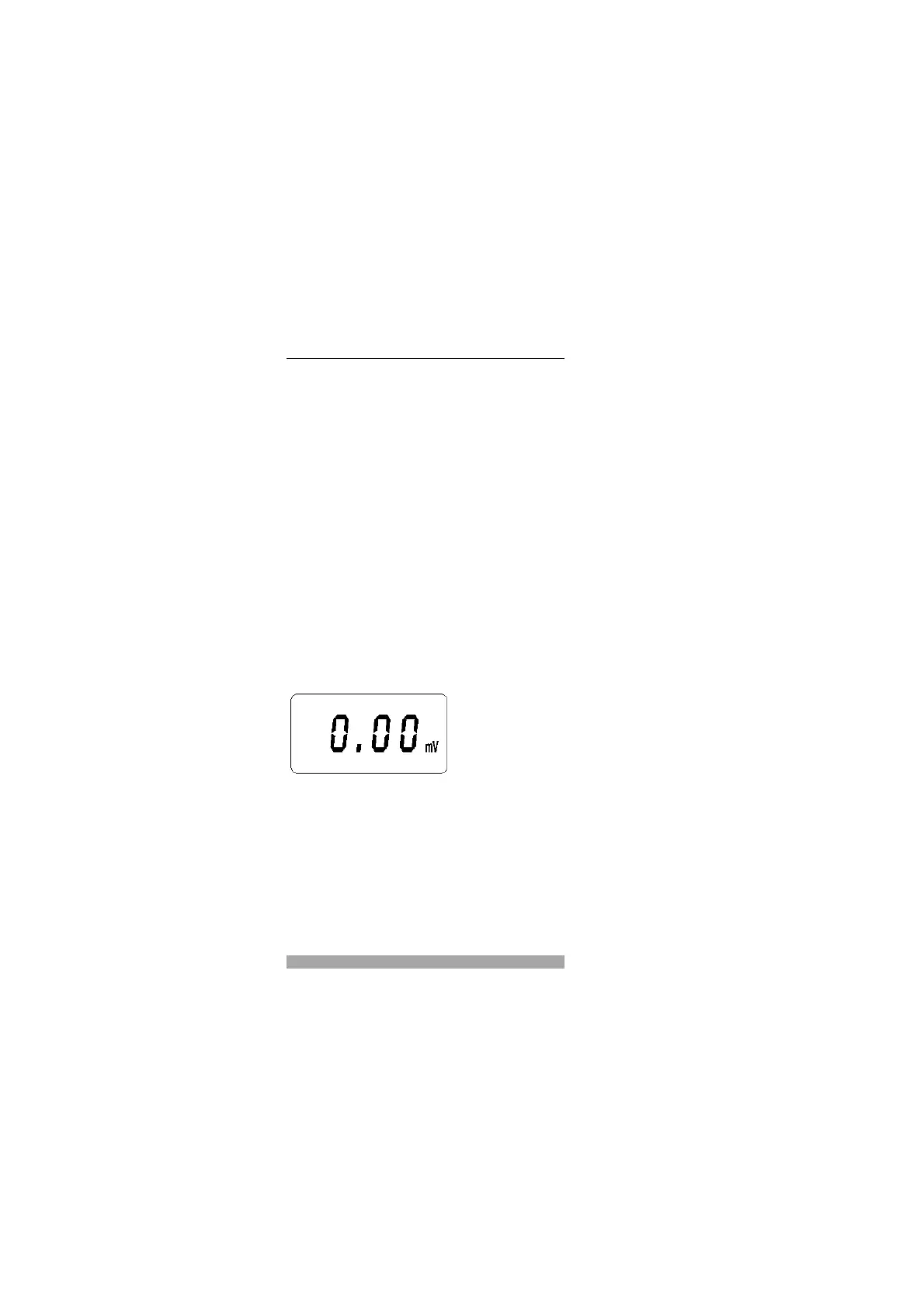
❿ The multimeter is set to relati-
ve measurement. 0.00 mV is
displayed. This corresponds to
a measurement value of “0,00
dB“
Z The display is set to zero in
relative value mode, i.e. the
present measurement value is
saved as reference value. As
from now on, the value dis-
played always represents the
difference between the saved
reference value and the pre-
sently measurement value
with the respective polarity.
Special Functions


 To Next Page