10
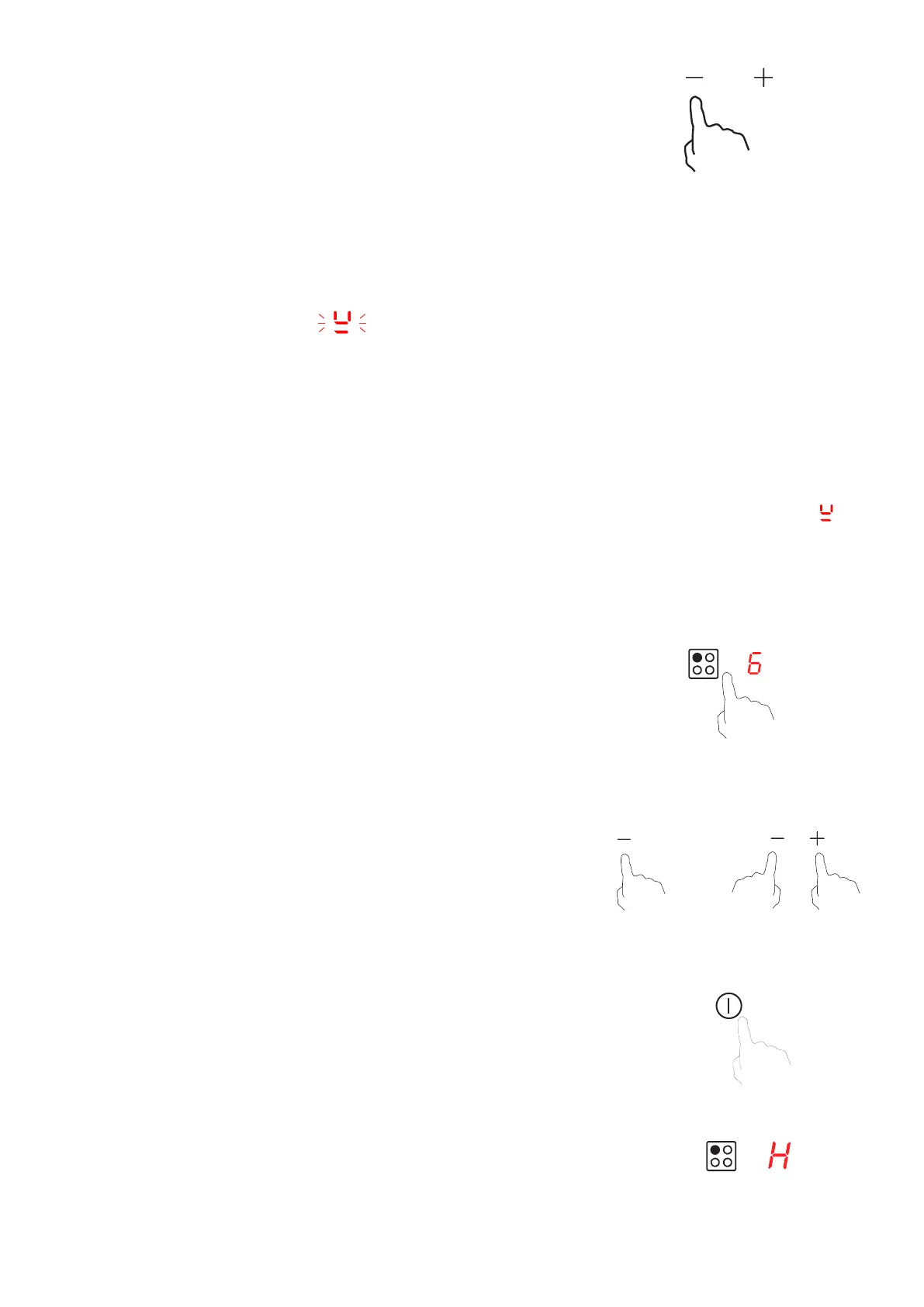
4. Select a heat setting by touching the “-” or “+” control.
• If you don’t select a heat setting within about 1 minute,
would then need to start again from step 1.
• You can modify the heat setting at any time during
cooking.
If the display ashes alternately with the heat setting
Finish cooking
Touch the relevant heating zone selection control key for the zone
T0
and “+” control together. Make sure the display shows “0”.
T/
Beware of hot surfaces
H will show which cooking zone is hot to touch. It will disappear
when the surface has cooled down to a safe temperature.
This can also be used to save energy if you wish to heat other
pans, use the hotplate that is still hot.
T
• You have not placed a pan on the correct cooking zone or;
• The pan you’re using is not suitable for induction cooking or;
• The pan is too small or not properly centered on the cooking zone.
No heating takes place unless there is a suitable pan on the cooking zone. The display “ ” will
1
OR


 To Next Page