Instruction Manual for DAC3 HGC and DAC3 L with 2.X Firmware Page 44
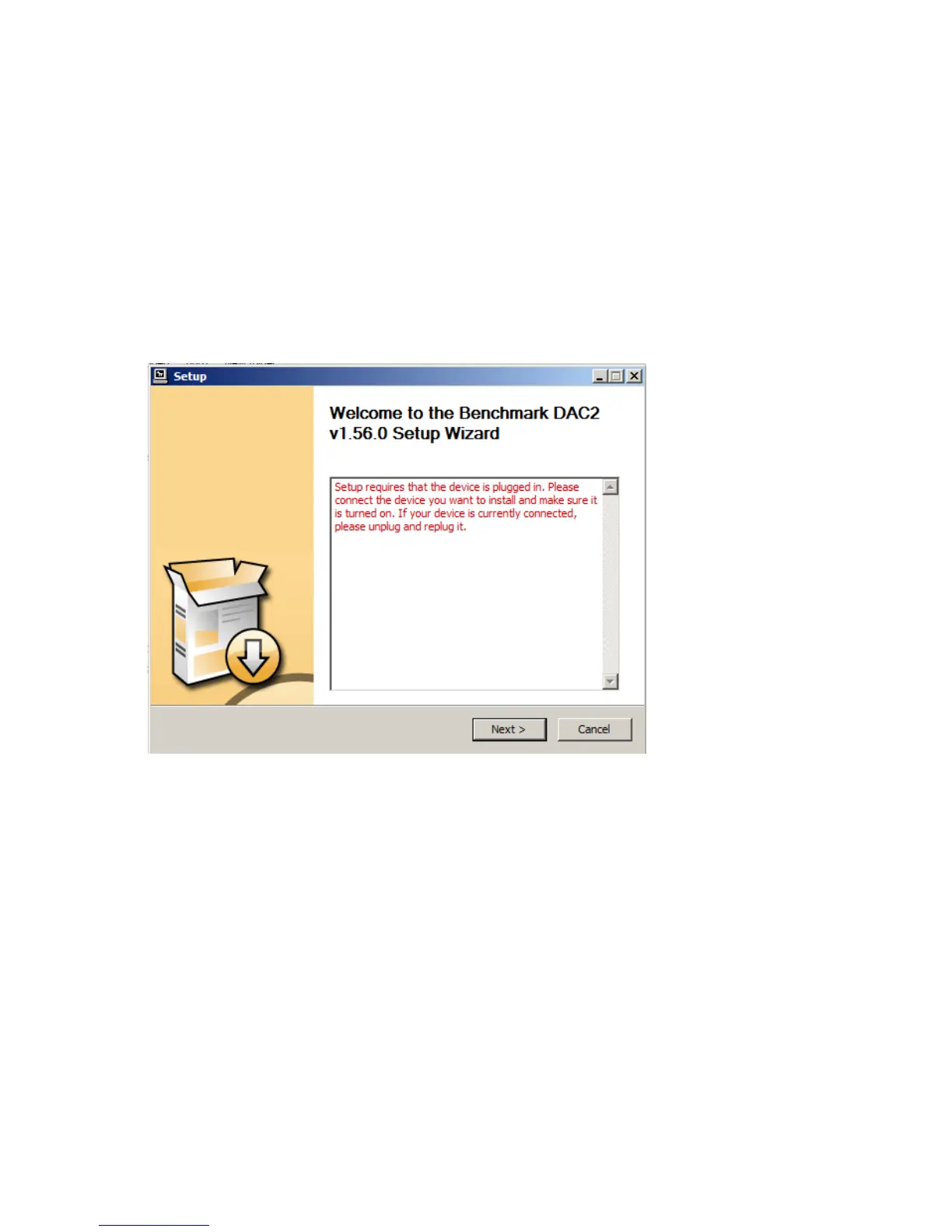
3. When you see the following screen, turn on the DAC3, plug in the USB cable, and select the
USB input on the DAC3. By default, the DAC3 is shipped in USB Audio 1.0 mode. Do not
proceed to the next step until the USB Audio 2.0 mode has been enabled. You can enable
the USB Audio 2.0 mode using one of the following two methods:
• METHOD 1 - REMOTE CONTROL: Using your remote control, press and hold USB
button for 3 seconds (the 4X light should flash once). If the 2X light flashes instead
of the 4X light, repeat this step.
• METHOD 2 - FRONT PANEL: From the front panel, simultaneously press and hold
both INPUT buttons for three seconds (the 4X light should flash once). If the 2X
light flashes instead of the 4X light, repeat this step.



 To Next Page