Instruction Manual for DAC3 HGC and DAC3 L with 2.X Firmware Page 45
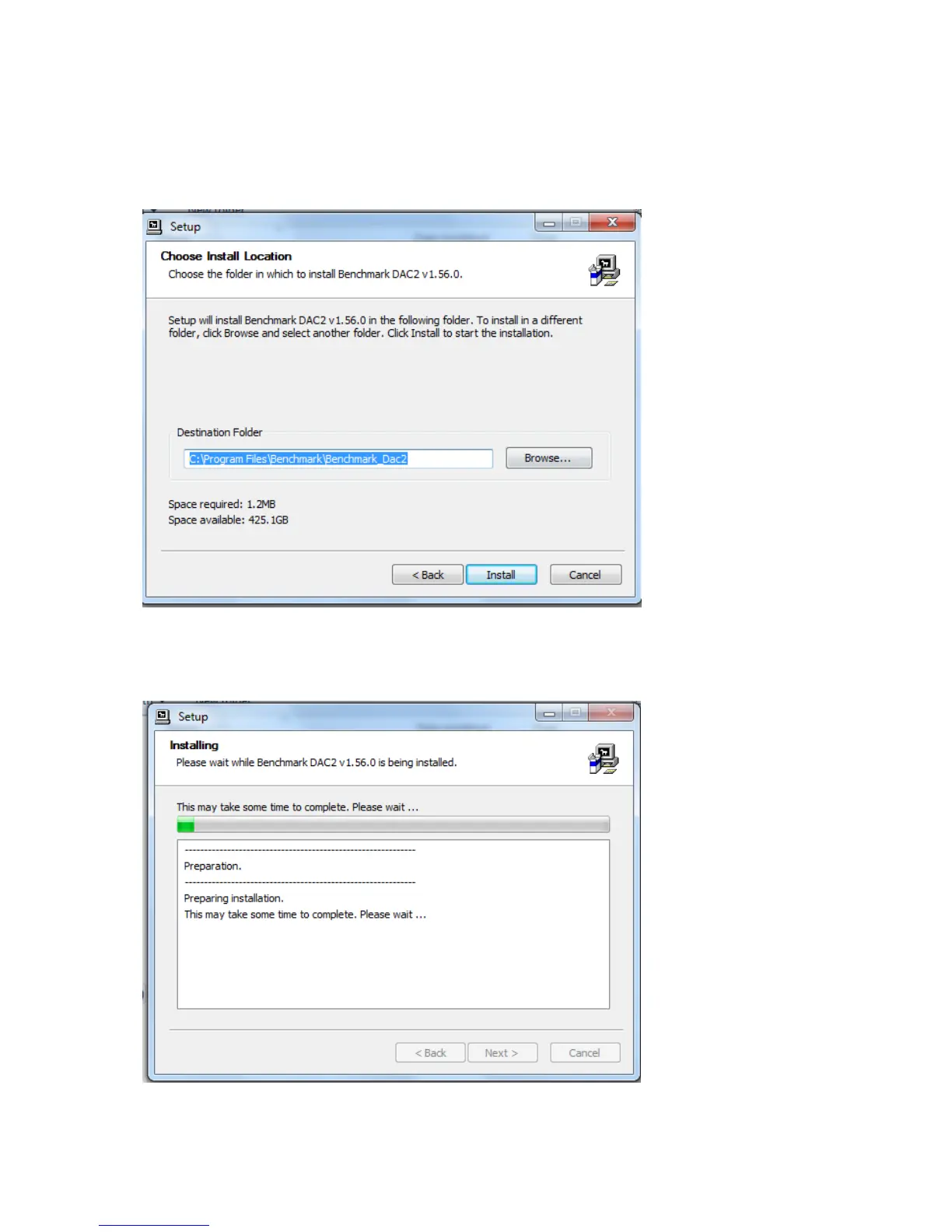
4. You will now be prompted to select a location to install the driver. It will default to your
Program Files folder. If you wish to install it another location, you can change the location.
We suggest keeping it in the default location. Click “Install”.
5. When the installation begins you will see the following screen. Please be patient while the
driver installs. Installation may require several minutes.



 To Next Page