System Overview
| 23 |
© Honeywell International Inc. Do not copy without express permission of Honeywell.
KFC 230 AeroCruze Autopilot Pilot's Guide
89000019-001
Rev 2 May 2019
1 Autopilot (AP) Button
Pressing the AP button activates the autopilot,
flight director, and, when applicable, the yaw
damper. The activation of the autopilot engages
the autopilot servos, allowing the autopilot to
control the aircraft. With an active Flight Director
(FD) mode (HDG, NAV, APR, VS, etc), the autopilot
engages in the active mode. Without an active Flight Director mode,
the autopilot activates in the default Pitch and Roll mode.
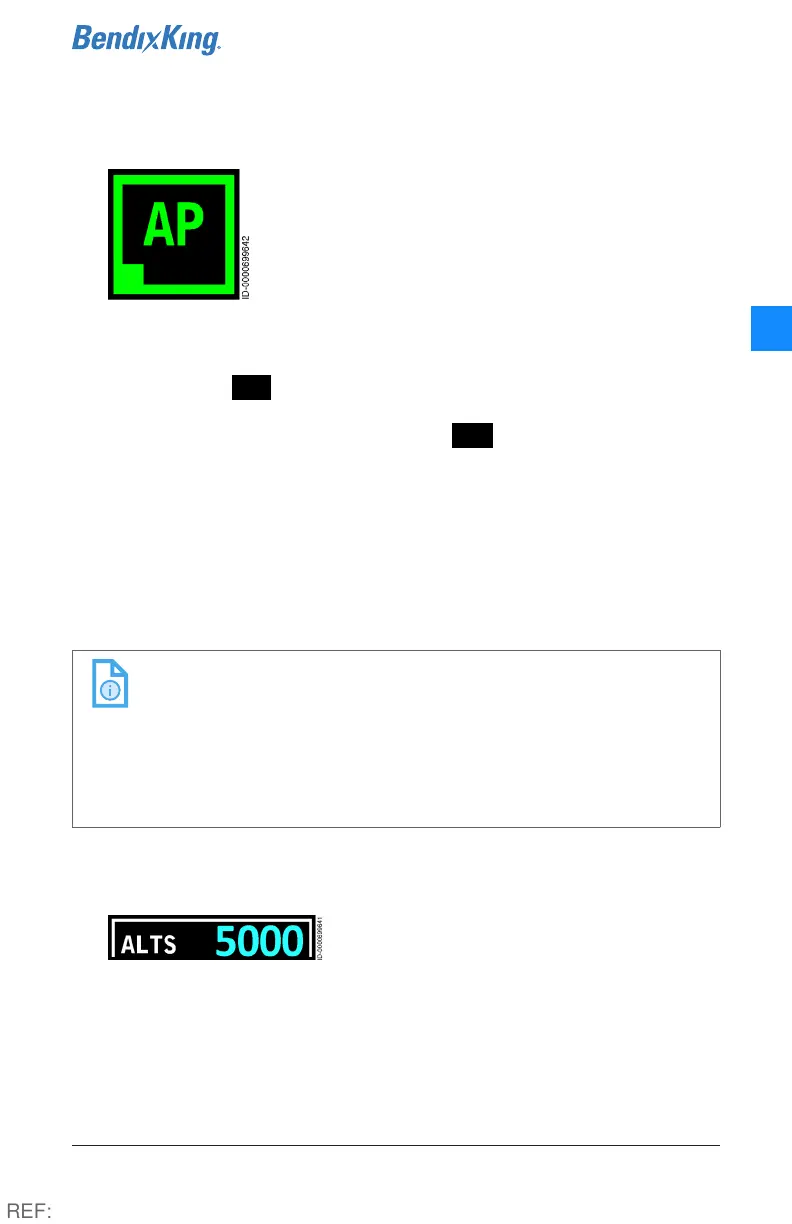
When active, AP is annunciated on the autopilot touchscreen by
a green active indicator box, green text and a green border. When
Autopilot is available but not active, AP is annunciated in white
text and a white border.
The autopilot is disengaged by pressing the AP button, pressing
the AP disconnect button on the yoke, or using the aircraft manual
electric trim function.
An associated aural “AUTOPILOT DISCONNECT” annunciation
alerts the pilot that the autopilot has been disengaged.
NOTE: FD-only operation and AP-engaged operation may
appear to be similar. Status indication of the AP button
(green active indicator box, green text, green border)
should be the only means of determining whether the
autopilot has positive control of the aircraft. AP button
status should be part of the pilot's continuous internal
and external visual scan.
2 Selected Altitude (ALTS) Indicator
The Selected Altitude Capture function
commands the aircraft to level off at the
selected altitude. To select a new altitude,
turn the Altitude Selector Knob (6). The selected altitude displays in
cyan to the right of ALTS.
REF:



 To Next Page