System Overview
| 34 |
© Honeywell International Inc. Do not copy without express permission of Honeywell.
KFC 230 AeroCruze Autopilot Pilot's Guide
89000019-001
Rev 2 May 2019
ADDITIONAL CONTROLS
In addition to the autopilot touchscreen controls, a set of off-panel
controls play a crucial role in the engagement and manipulation of the
autopilot. These include the following:
1 Autopilot Disconnect/Trim Interrupt
The yoke-mounted autopilot disconnect switch allows the pilot to
disengage the autopilot and yaw damper without pressing the AP
button on the autopilot touchscreen. The autopilot switch is also
utilized as a trim interrupt switch, removing power to the pitch trim
servo, for instances such as trim runaway malfunctions.
2 Manual Electric Trim
The manual electric trim switches provide a yoke-mounted
means to adjust elevator trim that is electrically modulated by the
autopilot – minimizing the physical effort associated with manual
manipulation of the physical trim wheel. Use of the trim switch
during autopilot operation disengages the autopilot but does not
disengage the yaw damper.
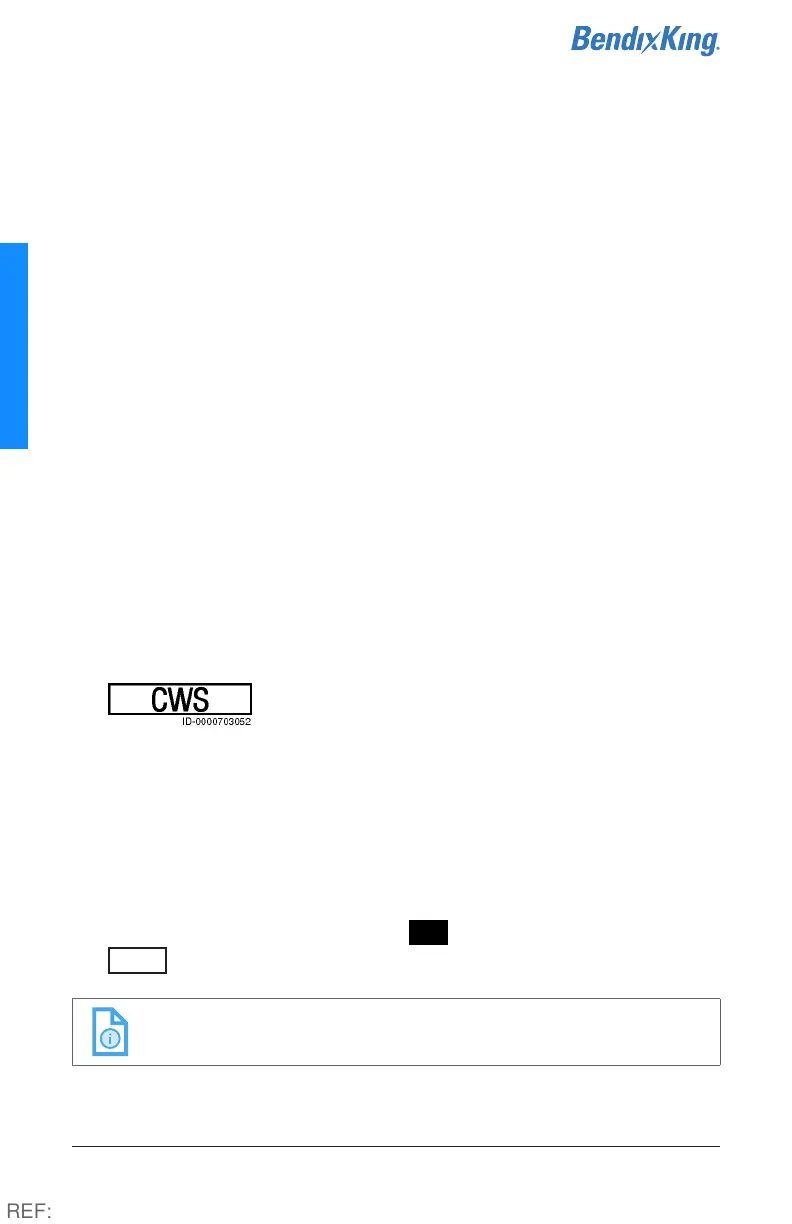
3 Control Wheel Steering (CWS)
The yoke-mounted CWS switch enables the pilot
to temporarily establish manual control over the
aircraft trajectory. Holding the CWS switch allows the pilot to
disengage the flight control computer servo clutches and control
the aircraft by hand. This allows the pilot to establish new pitch, roll,
vertical speed, indicated airspeed, and altitude hold references to
sync with the autopilot when the button is released, up to the
maximum pitch and roll FD limits. When in ROLL mode, the
autopilot will maintain wings level attitude if the CWS switch is
released at less than 6° bank angle. When the pilot uses CWS for
quick reference adjustment, the AP button becomes white and a
CWS
label is shown at the bottom of the autopilot display.
NOTE: It is not recommended to use CWS for altitude changes
greater than 400 ft.
REF:



 To Next Page