Menu operations 29
Device settings (Android)
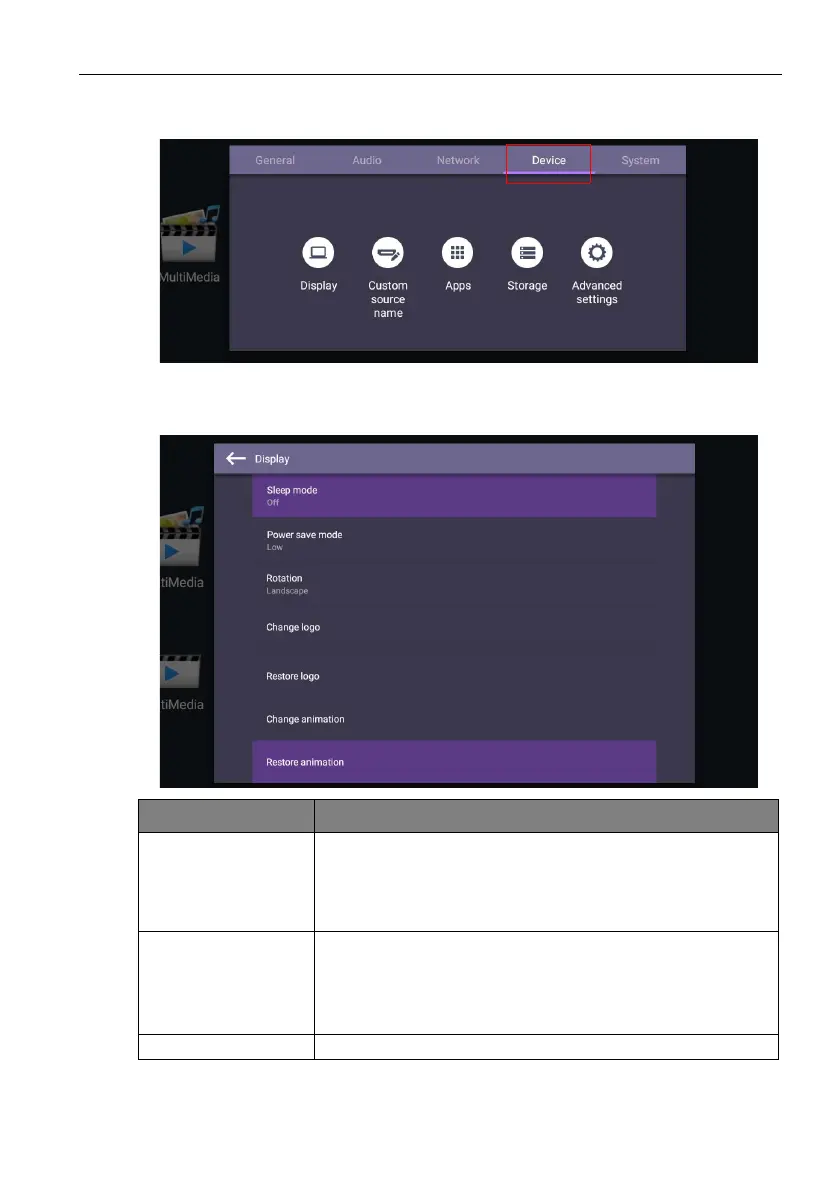
Go to Device to enter the Device menu.
Display
Go to Device > Display.
Menu Description
Sleep mode This feature only works on Android input.
• Select a time period (1, 5, 10, 20, 30, 40, 50 minutes) for the
display to turn off the panel back light.
• Set to Off to turn off the function.
Power save mode This feature only works on HDMI input.
• High: Power off the display five minutes later.
• Low: Turn off the panel back light five minutes later.
• Off: Turn off the function.
Rotation Switch the landscape and portrait mode.



 To Next Page