Menu operations30
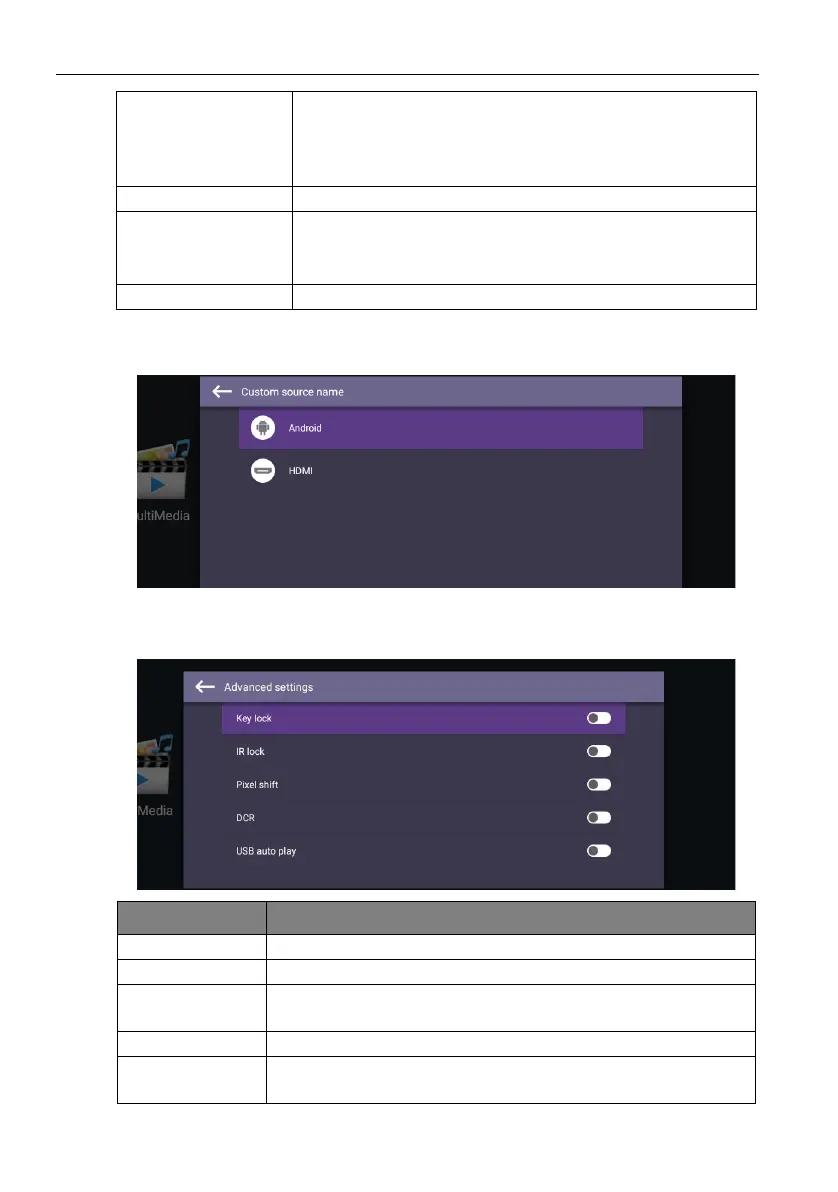
Custom source name
You can change Custom source name. Enter a value within six characters long.
Advanced settings
Go to Device > Advanced settings.
Change logo • Copy the boot logo file (JPG format, *.jpg, with resolution
supports the display) to USB drive under “benq” folder.
Rename the image to “logo.jpg”.
• Click Change logo to load the changed logo.
Restore logo Click Restore logo to restore the original logo.
Change animation • Copy animation zip file (<2MB) to USB drive under “benq”
folder. Rename the file to “bootanimation.zip”.
• Click Change animation to load the changed animation.
Restore animation Click Restore animation to restore the original animation.
Menu Description
Key lock Press OK on the remote control to enable or disable Key lock.
IR lock Press OK on the remote control to enable or disable IR lock.
Pixel shift Press OK on the remote control to set a pixel shift preventing
from image retention.
DCR Press OK on the remote control to enable or disable DCR.
USB auto play Press OK on the remote control to enable or disable USB auto
play.



 To Next Page