16
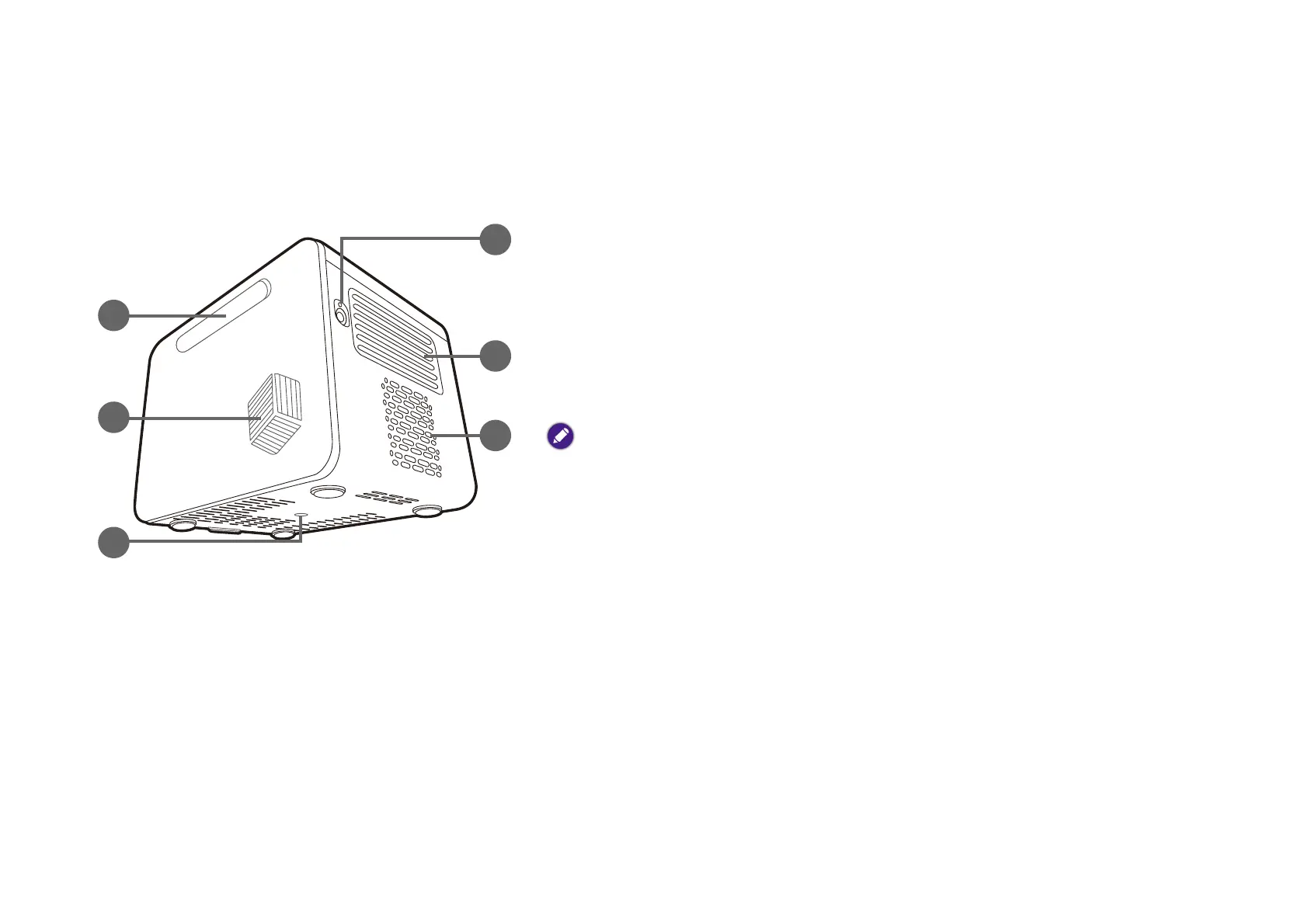
Rear, bottom, and right view
See Connections on page 46 for connection details.
14. IO cover (See Ports on page 18 for details.)
Flip open from the recess on the right side to access the input/output ports.
15. Speaker
16. Tripod screwhole
Used to attach a tripod plate to mount the projector on a tripod. See Installing the
projector on a tripod (purchased separately) on page 76 for details.
17. Power adapter port
Open the cover to access the port.
Please only use the supplied power adapter to avoid possible dangers such as electric shock and
fire.
18. Rear vent
19. Speaker



 To Next Page