51
Connecting a flash drive
Connect a USB-A drive to the respective port on the projector to play media files stored on the flash drive.
To play media files stored on a flash drive:
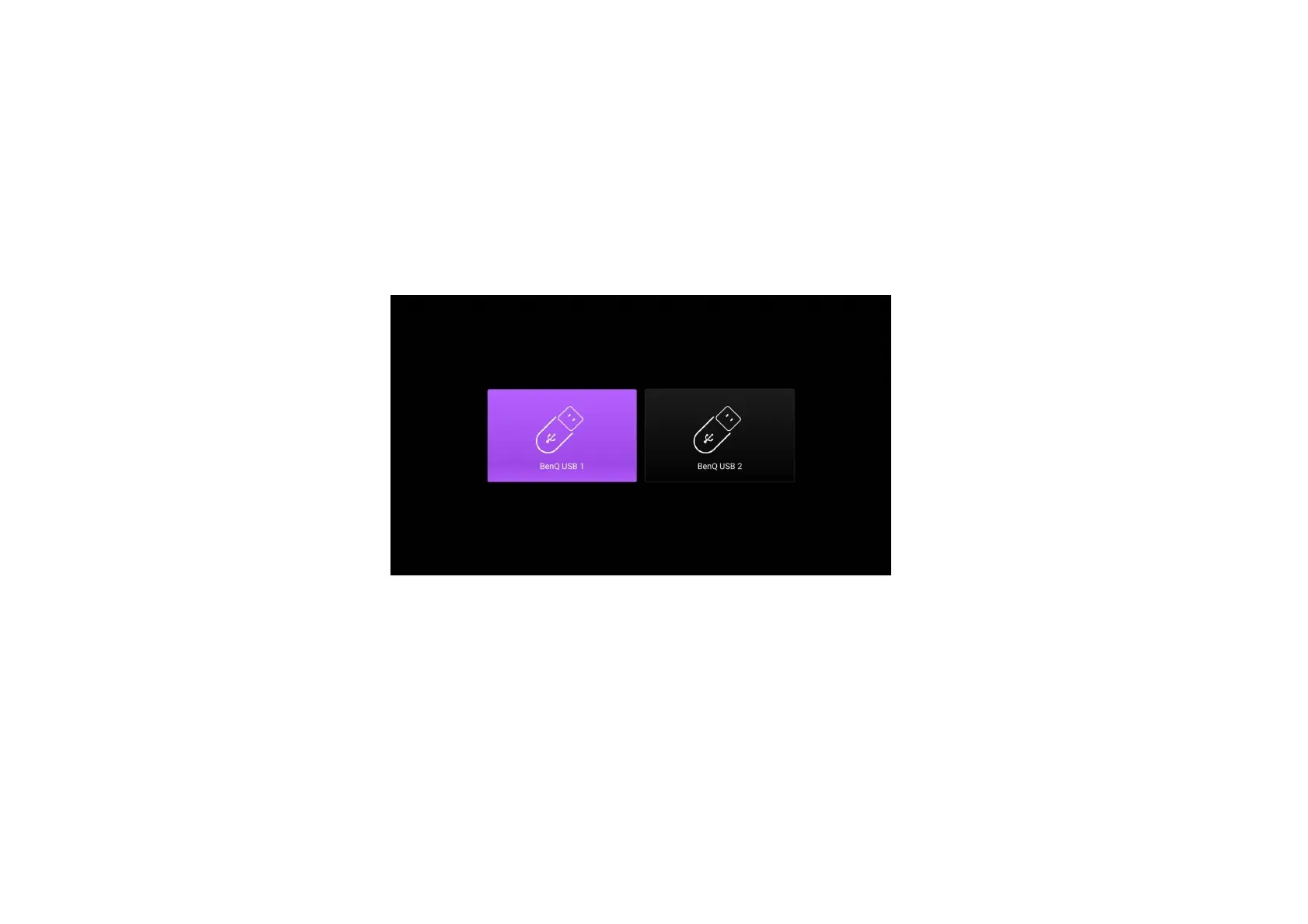
1. Connect the flash drive to the USB-A. A pop-up notification will appear indicating that a storage device is connected.
2. Confirm whether you want to play media files from the device.
3. Select the storage device where the media files are located.



 To Next Page