56
Navigating the settings menu
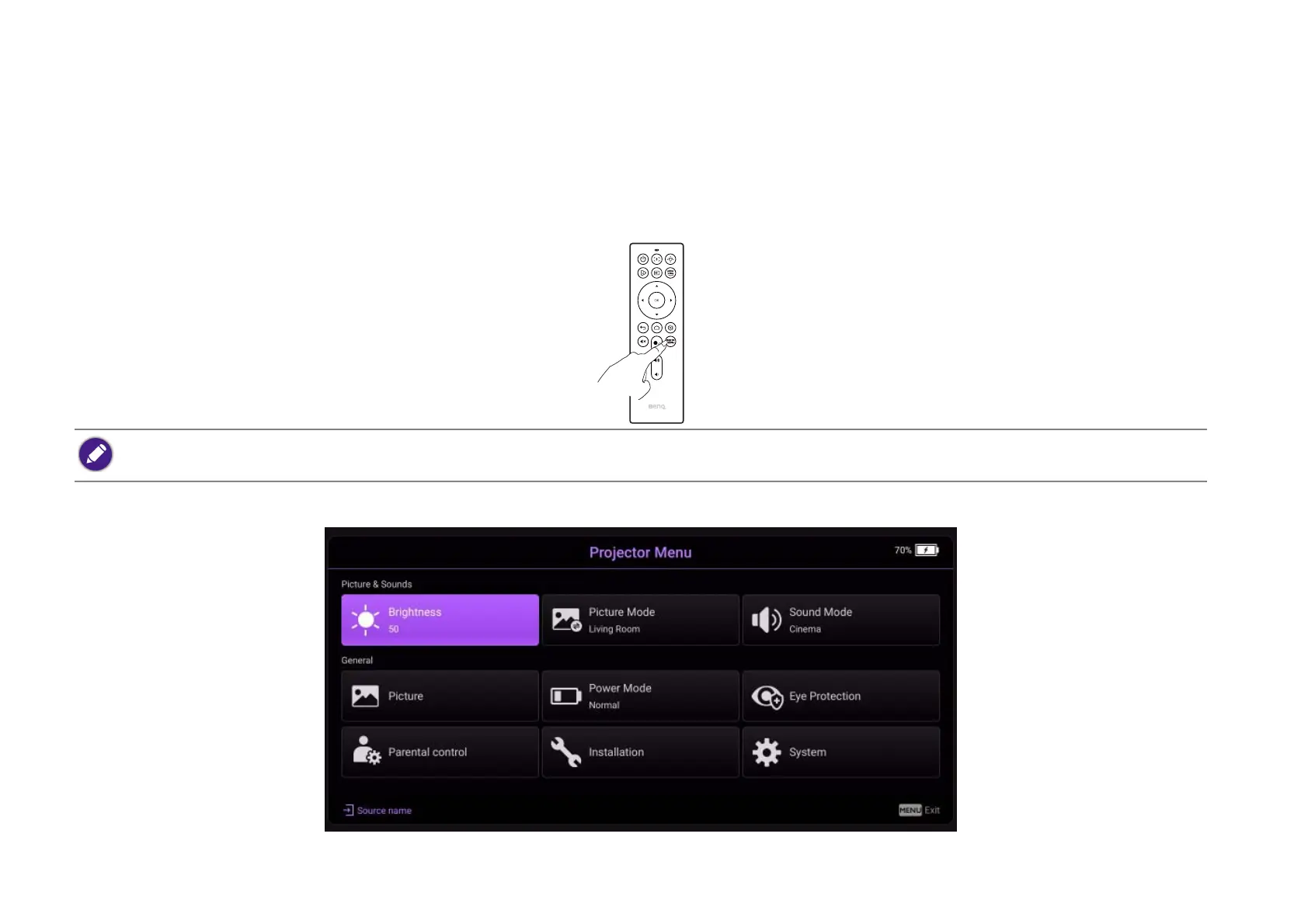
About the settings menu
To let you make various adjustments or settings on the projector, the projector provides a Settings menu. To access the menu, either press the
PROJECTOR MENU button on the remote control or select All Projector Settings from the Android TV Settings menu.
Under the settings menu there are two subcategories: Picture & Sounds and General:
For settings related to the system including wireless connection, account, and app related setting, use the Android TV Settings menu accessible on the home screen. See
The Android TV home screen on page 42 for more details.



 To Next Page