38
Adjusting the projected image
Adjusting the projection angle
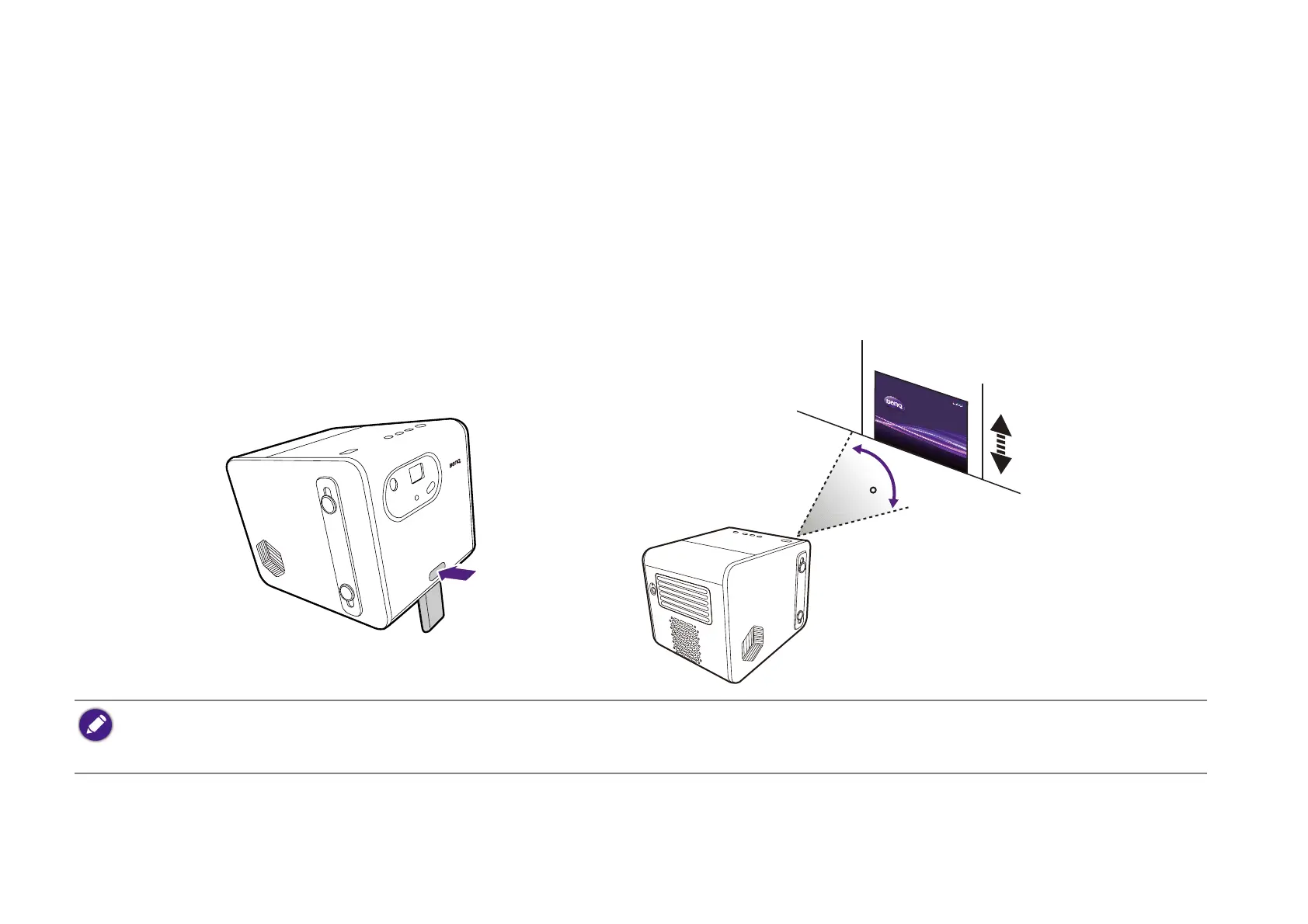
The projector features a quick-release adjuster foot that allows you to adjust the projection angle.
To adjust the projection angle:
• Press the quick-release button and lift the front of the projector. Once the image is positioned as desired, release the quick-release button to lock
the foot in position.
• To retract the foot, hold up the projector while pressing the quick release button, then slowly lower the projector.
• The maximum angle of adjustment is 14.5 degrees.
• If the screen and the projector are not perpendicular to each other, the projected image becomes trapezoidal. To correct this, see Correcting keystone on page 40 for
details.



 To Next Page