41
Corner Fit
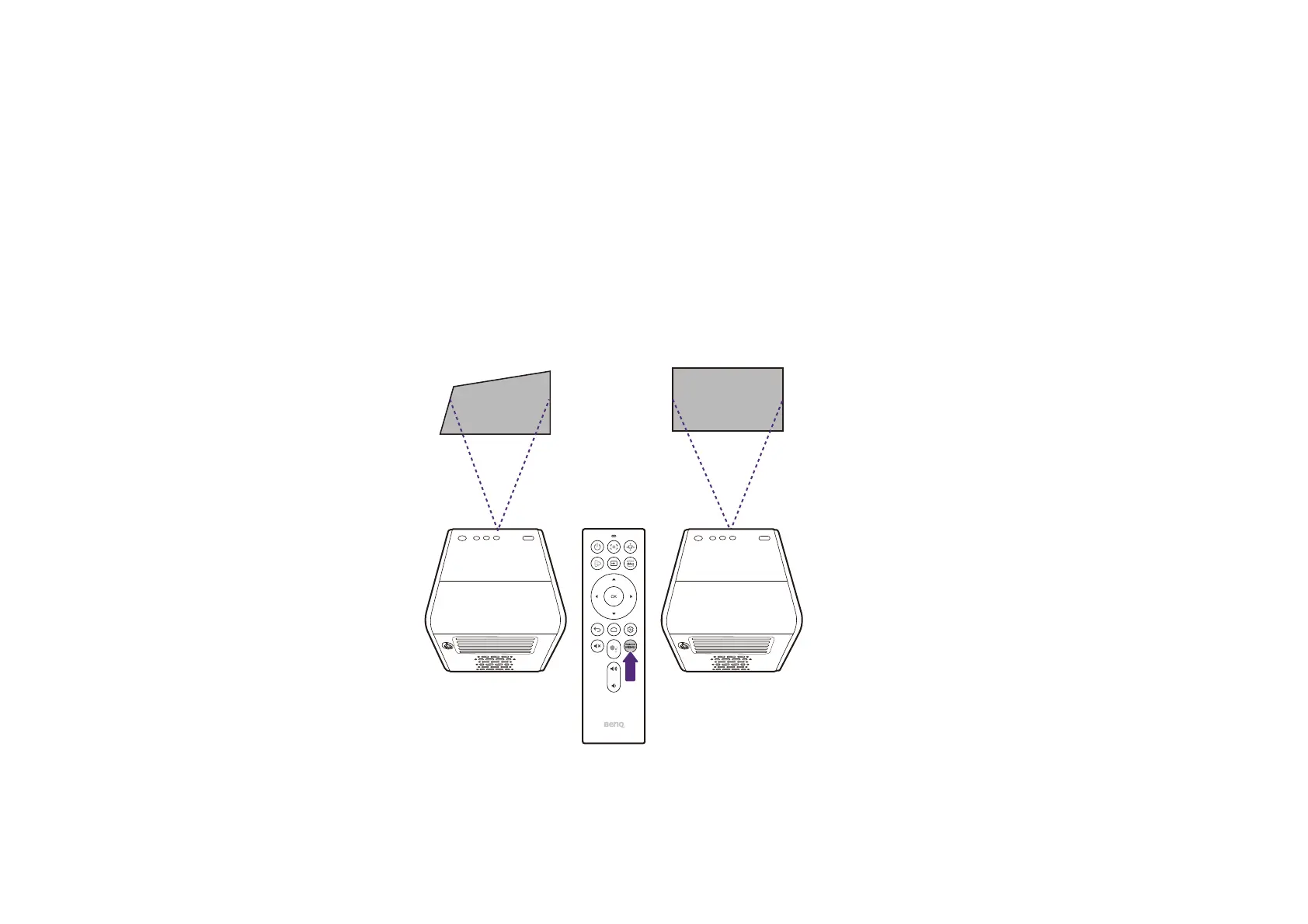
Corner Fit allows you to correct a situation where the projected image is stretched or distorted along both axes due to the angle of the projection.
To configure the side projection:
1. Press the PROJECTOR MENU button on the remote control to enter the projector’s settings menu.
2. Select Installation.
3. Toggle the Geometry Correction setting to Corner Fit.
4. Select Corner Fit Setting.
5. Choose one of the corners you want to adjust and then follow the on-screen instructions to correct the image.



 To Next Page