19
LED indicators
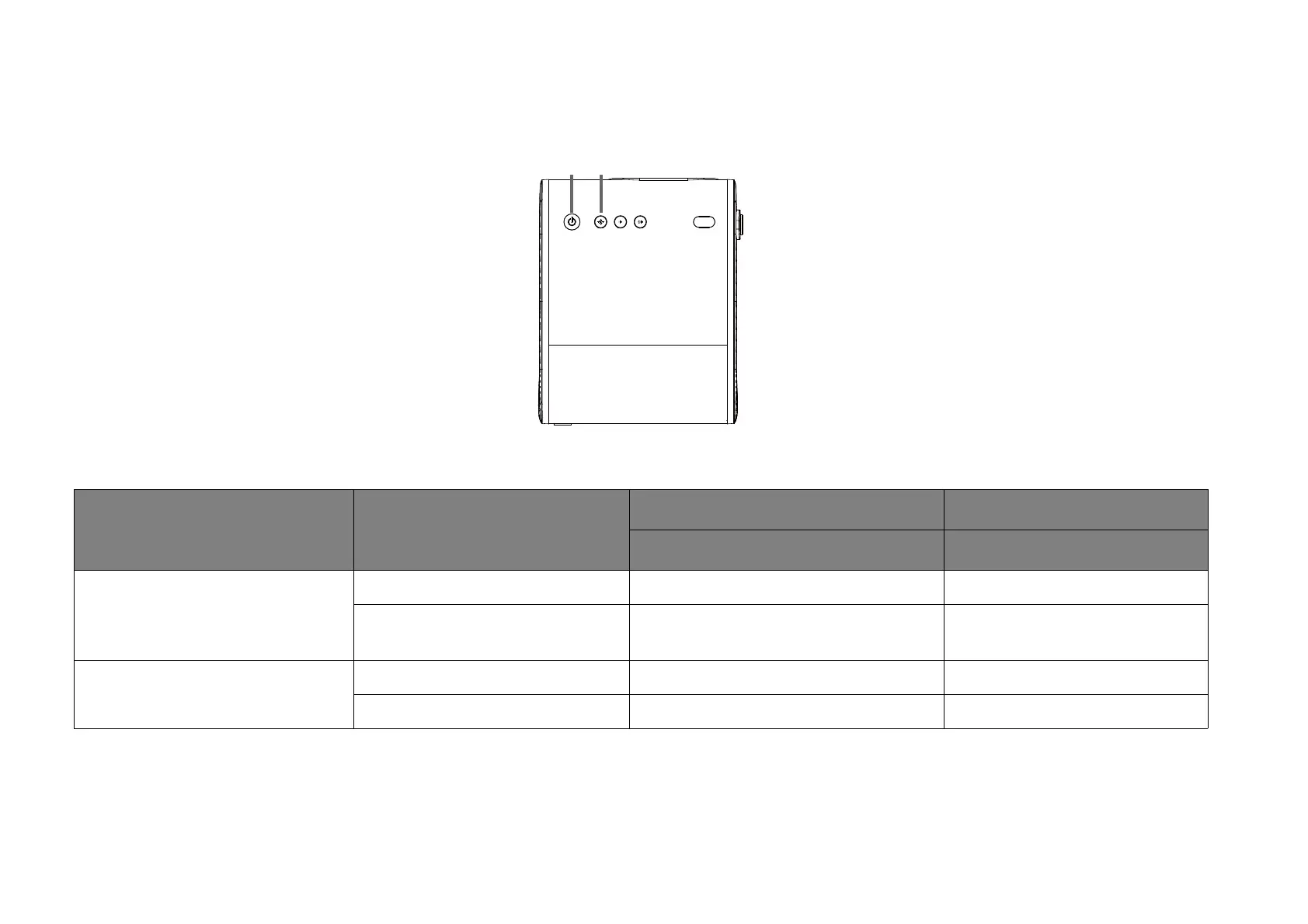
There is a multi-color power LED (1) and a blue/red Bluetooth LED (2) at the top of the projector.
Refer to the table below for definitions of various LED behaviors.
Scenario Status
Power LED indicator Bluetooth LED indicator
LED Behavior LED Behavior
Turning on / Turning off
Powering on / off properly Green - breathing N/A
Low battery capacity (< 5%)
Red - flashing until stop pressing power
button on device
N/A
Charging with Adapter
Battery capacity = 0 ~ 94% Red - solid N/A
Battery capacity = 95 ~ 100% Green - solid N/A



 To Next Page