34
4. The fans will start operating and a start-up image will be shown while the projector warms up. This process may take a few minutes. The
projector does not respond to further commands while it is warming up.
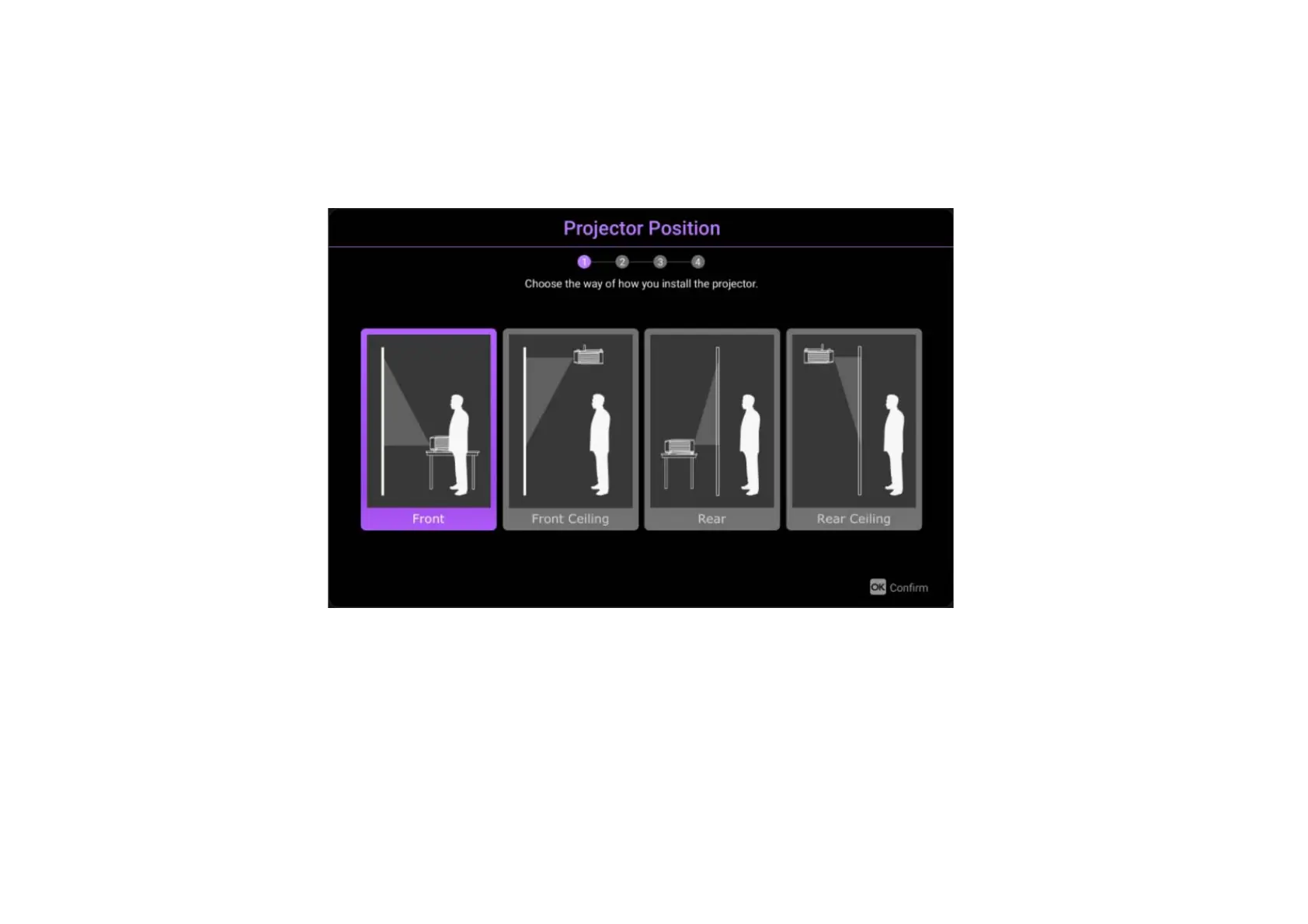
5. If you are starting up the projector for the first time, the projector’s setup wizard will appear to guide you through the initial hardware setup
including selecting the projector’s positions, system language, and correcting keystone. Using your remote control, follow the on-screen
instructions to proceed with the process.



 To Next Page