English
52
• Blank Timer
Press
◄
/
►
to set the length of time the image is blanked. The options are Disable, 5 mins, 10
mins, 15 mins, 20 mins, 25 mins and 30 mins.
• Sleep Timer
Press
◄
/
►
to set the length of time before the projector is turned off. The options are
Disable, 30 mins, 1 hr, 2 hrs, 3 hrs, 4 hrs, 8 hrs and 12 hrs.
• Filter Settings
Press ENTER to enter the Filter Settings menu. See "Filter Settings menu" on page 52
for more details.
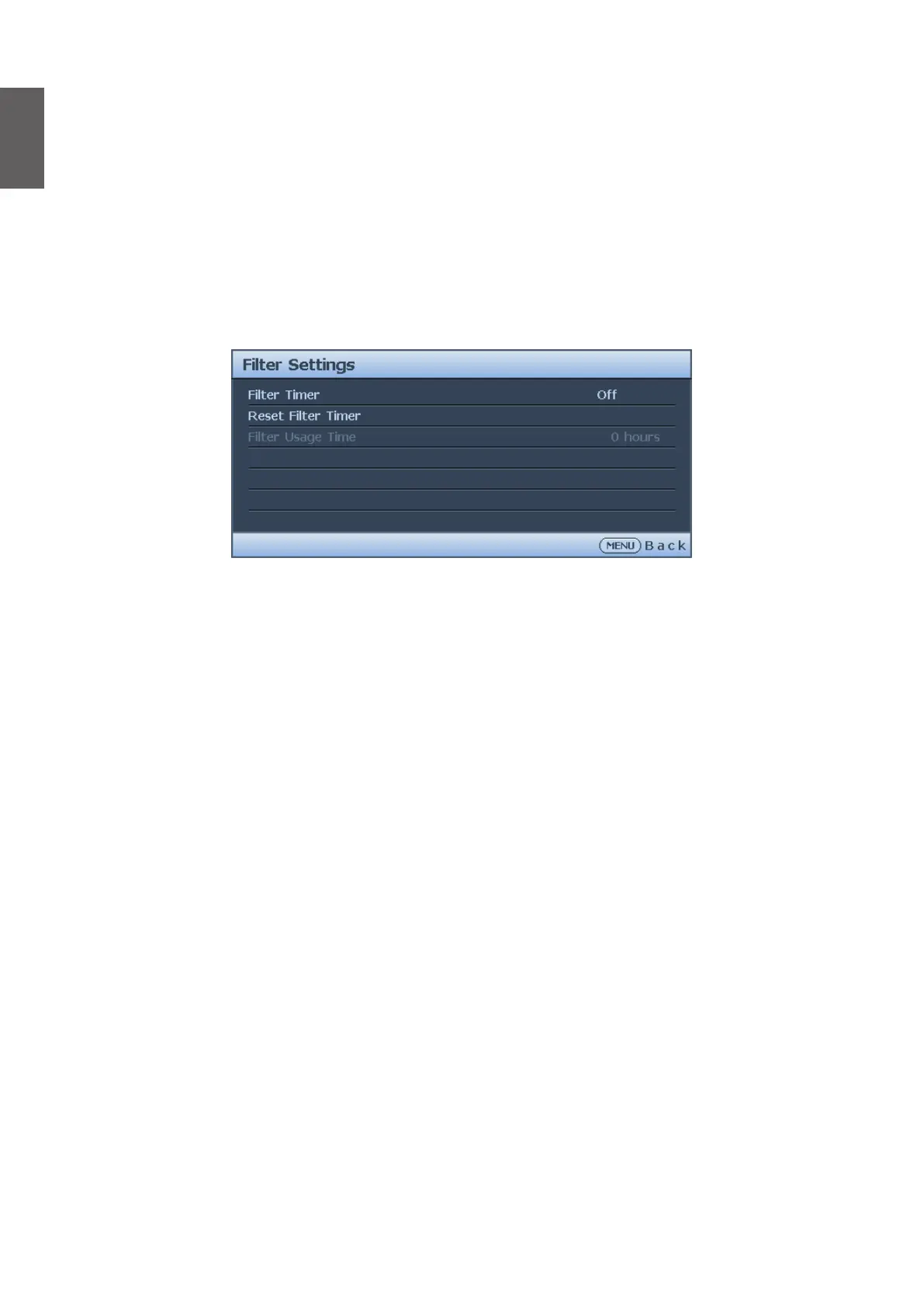
Filter Settings menu
• Filter Timer
Press
◄
/
►
to enable or disable lter timer.
• Reset Filter Timer
Press ENTER to reset the lter timer when the lter is replaced.
• Filter Usage Time
Displays the cureent number of hours the lter has been used.



 To Next Page